Teams building internal dashboards often start with well-known low-code platforms, but many quickly realize they need greater flexibility, deeper customization, or stronger cost control. As organizations scale, open-source tools become increasingly attractive for their transparency, extensibility, and active developer communities. Rather than relying on a single commercial solution, many engineering and operations teams explore open ecosystems that align better with their technical stack and long-term strategy.
TLDR: Many teams explore open-source alternatives to Appsmith when building internal dashboards to gain flexibility, avoid vendor lock-in, and reduce costs. Popular options include ToolJet, Budibase, Supabase Studio, Retool open-source alternatives like OpenBlocks, Directus, and Metabase. Each offers unique strengths, from low-code interfaces to SQL-first analytics. Choosing the right platform depends on technical skill, customization needs, and deployment preferences.
Why Teams Look Beyond Appsmith
While Appsmith remains a popular open-source internal app builder, it may not fit every use case. Some teams require:
- Greater control over infrastructure and data residency.
- More advanced data modeling capabilities.
- Simplified UI builders for non-technical staff.
- Stronger analytics features built directly into dashboards.
- Broader plugin ecosystems or framework compatibility.
Open-source alternatives allow teams to customize extensively, host on their own servers, and contribute improvements back to the community. Below are six widely explored options.
1. ToolJet
Best for: Teams that want a close Appsmith alternative with strong UI flexibility.
ToolJet is an open-source low-code platform designed specifically for building internal tools. It supports REST APIs, GraphQL, databases like PostgreSQL and MySQL, and integrates with services such as Stripe and Slack.
Key Features:
- Drag-and-drop UI builder
- Self-hosted and cloud deployment options
- JavaScript-based logic editor
- Role-based access control
Why teams choose it: ToolJet feels familiar to teams already comfortable with low-code dashboards but wanting more transparent development and deployment control.
Potential limitation: Advanced customization may require deeper JavaScript knowledge.
2. Budibase
Best for: Rapid app creation with minimal coding.
Budibase focuses on speed and simplicity. It enables teams to build internal CRUD apps quickly using internal or external data sources. Its automation features are especially useful for workflow-heavy operations.
Key Features:
- Auto-generated forms and tables
- Built-in database (optional)
- Custom RBAC (role-based access control)
- Automation rules and triggers
Why teams choose it: It lowers the barrier to entry for non-developers, enabling operations teams to build dashboards independently.
Potential limitation: Highly customized front-end experiences may require workarounds.
3. OpenBlocks
Best for: Engineering teams seeking extensibility.
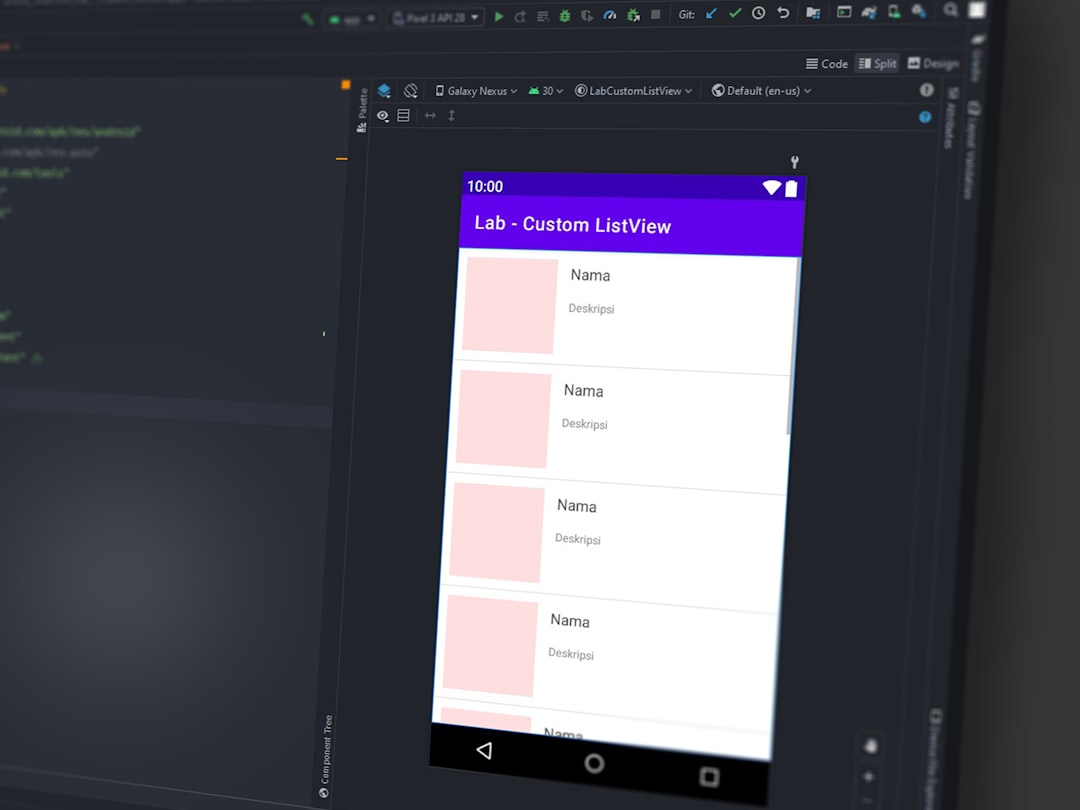
OpenBlocks is an open-source internal app builder built with React and TypeScript. It emphasizes modular architecture and developer extensibility, making it highly attractive for product-focused engineering teams.
Key Features:
- Plugin-based architecture
- Strong API integration
- Self-hosted deployment
- Developer-first customization
Why teams choose it: It is ideal for those who want complete ownership and the ability to modify the framework itself.
Potential limitation: Less beginner-friendly than low-code drag-and-drop builders.
4. Directus
Best for: Data-centric dashboards backed by SQL databases.
Directus turns any SQL database into a powerful data platform with an intuitive admin app. Rather than acting solely as a dashboard builder, Directus provides a real-time API layer on top of existing databases.
Key Features:
- Automatic REST and GraphQL APIs
- Database-agnostic architecture
- Granular permissions
- Custom dashboard extensions
Why teams choose it: Organizations that already rely heavily on structured SQL databases appreciate the seamless integration.
Potential limitation: Requires a well-designed database schema to unlock full value.
5. Metabase
Best for: Analytics-heavy internal dashboards.
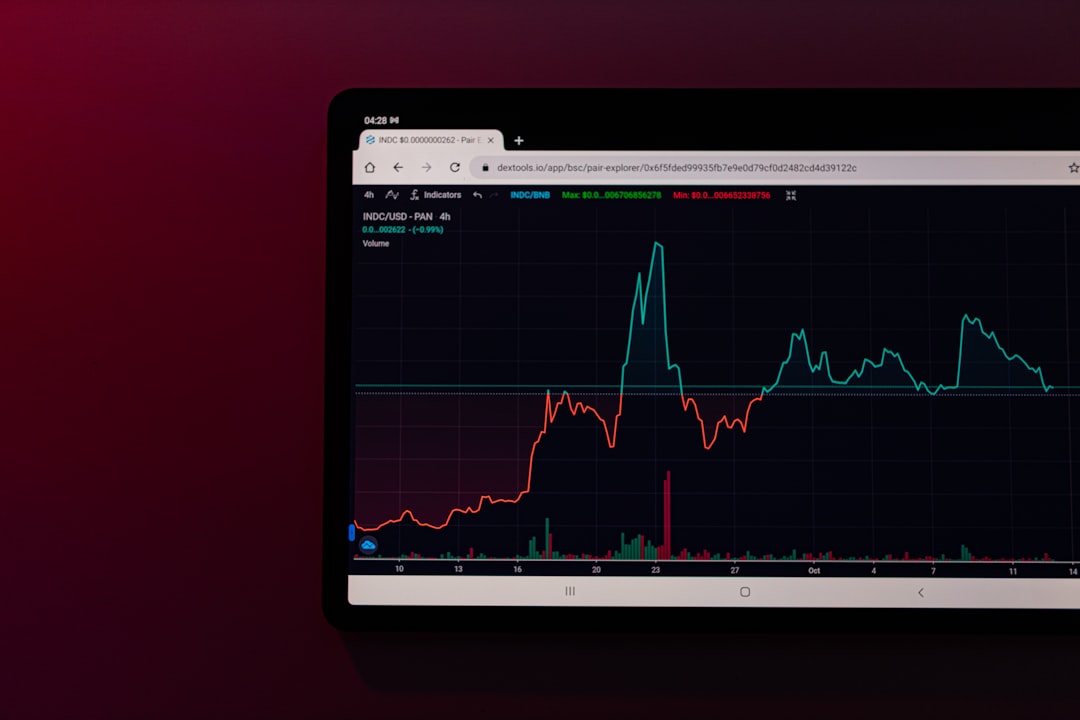
Metabase is an open-source business intelligence tool designed for querying and visualizing data. While it is not a traditional internal tool builder, many teams use it as their primary internal dashboard platform.
Key Features:
- SQL and no-code querying options
- Interactive charts and reports
- Embedding capabilities
- Scheduled reporting
Why teams choose it: It excels in analytics presentation and simplifies complex data queries for business users.
Potential limitation: Limited in workflow or CRUD application building.
6. Supabase Studio
Best for: Teams already working within the Supabase ecosystem.
Supabase Studio offers a visual interface for managing databases, authentication, and storage. Though not a comprehensive low-code builder, many teams layer dashboard functionality on top of Supabase.
Key Features:
- Postgres-native database management
- Built-in authentication
- Real-time subscriptions
- Edge function support
Why teams choose it: It integrates seamlessly with modern full-stack JavaScript development.
Potential limitation: Requires more custom front-end development compared to drag-and-drop platforms.
Comparison Chart
| Tool | Best For | Ease of Use | Customization Level | Analytics Strength |
|---|---|---|---|---|
| ToolJet | General internal tools | High | High | Moderate |
| Budibase | Quick CRUD apps | Very High | Moderate | Basic |
| OpenBlocks | Developer extensibility | Moderate | Very High | Moderate |
| Directus | Data-driven dashboards | Moderate | High | Strong |
| Metabase | Business intelligence | High | Low (UI), High (SQL) | Very Strong |
| Supabase Studio | Backend-focused teams | Moderate | Very High | Depends on front end |
How Teams Choose the Right Alternative
Decision-makers typically evaluate several factors before selecting an open-source internal dashboard solution:
- Technical expertise: Is the team comfortable writing JavaScript or SQL?
- Infrastructure strategy: Will the tool be self-hosted, cloud-hosted, or hybrid?
- Speed vs. flexibility: Is rapid prototyping more important than deep customization?
- Security and compliance: Does the organization require strict data governance?
- Scalability: Can the tool support growth in users and data?
For smaller teams, Budibase or ToolJet may provide the fastest route to usable dashboards. Larger engineering-driven organizations may lean toward OpenBlocks or Directus. Data-heavy teams often prioritize Metabase, while product startups already using Supabase may prefer keeping everything within a single ecosystem.
Ultimately, the choice is rarely about finding a perfect replacement. Instead, it is about selecting the platform that aligns most closely with workflow complexity, technical maturity, and long-term goals.
Frequently Asked Questions (FAQ)
1. Are open-source dashboard tools truly free?
Most open-source tools are free to self-host. However, teams should factor in infrastructure costs, maintenance time, and optional enterprise support plans.
2. Which alternative is best for non-developers?
Budibase and ToolJet are generally considered more beginner-friendly due to their drag-and-drop builders and minimal setup requirements.
3. What is the best option for analytics-heavy dashboards?
Metabase stands out for data visualization and reporting. It is purpose-built for analytics rather than workflow-based internal apps.
4. Can these tools be self-hosted securely?
Yes. Most listed options support Docker-based deployments and allow organizations to control infrastructure, security configurations, and access management.
5. How do teams avoid vendor lock-in?
By using open-source software that allows full code access and database portability, teams retain migration flexibility.
6. Can multiple tools be combined?
Absolutely. Many organizations use Directus as a data layer, Metabase for reporting, and a low-code builder like ToolJet for operational workflows.
7. Is it difficult to migrate from Appsmith to an alternative?
Migration complexity depends on custom logic, integrations, and database architecture. Tools with similar UI paradigms, such as ToolJet, may offer smoother transitions.
As internal dashboards continue to play a critical role in operations, support, and decision-making, open-source ecosystems provide teams with expanding possibilities. By evaluating technical needs carefully and understanding each platform’s strengths, organizations can build internal tools that are not only functional but future-proof.
