For years, Adobe’s creative suite has been the gold standard for designers, photographers, and digital artists. Yet in online communities—particularly Reddit—users consistently search for capable, affordable, and accessible alternatives that run directly in a browser. Web-based tools have matured rapidly, offering serious functionality without the subscription costs or heavy installations that often accompany traditional desktop software.
TLDR: Reddit users frequently recommend several powerful web-based alternatives to Adobe products, especially for photo editing and design. Tools like Photopea, Pixlr, Krita (via web builds), Figma, and Canva provide impressive features directly in your browser. While they may not completely replace Adobe for enterprise-level workflows, they are highly capable for most freelancers, students, and small teams. The best choice depends on whether you prioritize advanced editing, collaboration, illustration, or ease of use.
Why Reddit Users Look Beyond Adobe
Reddit threads across communities like r/graphic_design, r/photography, and r/web_design reveal recurring concerns about Adobe’s ecosystem. The most common include:
- Subscription fatigue – Ongoing monthly fees add up quickly.
- Performance demands – Adobe apps require strong hardware.
- Accessibility – Users want tools that work instantly on any device.
- Simplicity – Not everyone needs enterprise-level complexity.
As browser technology improves—with WebGL, cloud storage, and faster processing—serious creative work in the cloud is no longer experimental. Below are five consistently praised web-based Adobe alternatives highlighted in Reddit discussions.
1. Photopea — The Closest Thing to Online Photoshop
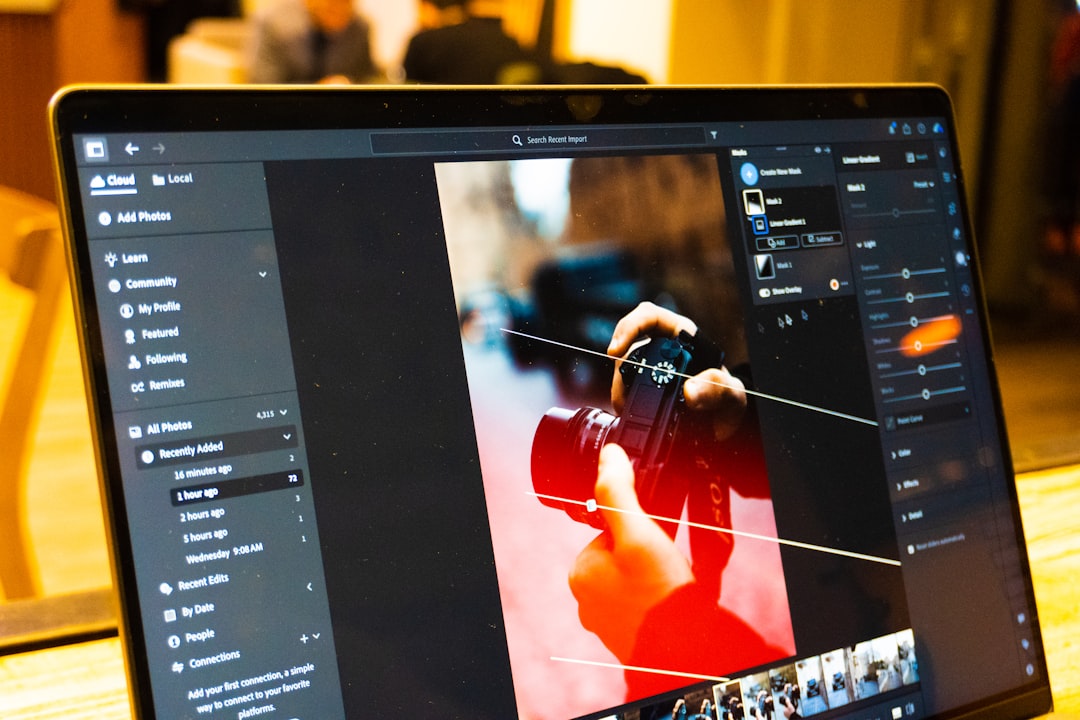
If one name dominates Reddit conversations about Adobe alternatives, it is Photopea. Designed to replicate much of Photoshop’s functionality directly in a browser, Photopea supports PSD files natively, making it especially attractive to designers collaborating with Photoshop users.
Why Reddit Loves It
- Opens and edits PSD, Sketch, XD, and AI files
- Advanced layer controls, masks, blending modes
- Smart object compatibility
- No installation required
- Free version available with ads
Users regularly point out that Photopea’s interface feels almost identical to Photoshop, reducing the learning curve dramatically. For freelance designers who must occasionally tweak client PSD files but do not want a full Creative Cloud subscription, Photopea often becomes the default solution.
Limitations: While impressive, performance depends on your browser and device. Extremely large files or highly complex effects may tax lower-end systems. Still, for everyday editing and professional-grade deliverables, Reddit consensus describes it as “shockingly capable.”
2. Pixlr — Fast, Intuitive, and Surprisingly Powerful
Pixlr is frequently recommended for users who want something lighter and more approachable than Photoshop, yet more powerful than simple photo filters. Available in multiple versions (Pixlr X and Pixlr E), it caters to both casual and more advanced users.
Key Strengths
- Clean and modern interface
- AI-powered background removal
- Adjustment layers and blend modes
- Templates for social media graphics
- Works well on modest hardware
Reddit users often describe Pixlr as the “middle ground” between Canva’s simplicity and Photopea’s depth. For marketers, content creators, and small businesses needing quick edits, banners, or social graphics, Pixlr delivers a pragmatic balance of speed and control.
Best For: Quick edits, lightweight design tasks, and users who value ease of use over comprehensive advanced features.
3. Krita (Web Builds) — A Digital Artist’s Favorite
While Krita is traditionally a desktop application, web-enabled builds and cloud-access deployments have made it more accessible for browser-based workflows. On Reddit, digital illustrators consistently recommend Krita as a serious Adobe Illustrator or Photoshop alternative for drawing and painting.
Image not found in postmetaStandout Features
- Advanced brush engine
- Layer management tools
- Animation capabilities
- Open-source development
- Customizable interface
Krita’s strength lies in illustration rather than photo manipulation. Artists who prioritize brush customization and natural painting experiences often prefer it to Photoshop. Though the browser experience may vary depending on hosting or remote setups, Reddit artists emphasize that Krita remains one of the most professional-grade free tools available.
Who Should Consider Krita? Digital painters, comic creators, and animators seeking powerful tools without subscription costs.
4. Figma — Collaborative Design Without Installation
Although Figma is primarily associated with UI/UX design, Reddit users frequently mention it as an alternative to Adobe XD and even Illustrator for vector-based projects. Because Figma runs entirely in the browser, it eliminates installation barriers and device constraints.
Why Professionals Recommend It
- Real-time collaboration
- Cloud-based file management
- Vector networks and precision tools
- Component systems for scalable design
- Strong plugin ecosystem
Figma has become an industry standard for interface design. Many Reddit contributors argue that it surpassed Adobe XD largely due to its collaborative capabilities and seamless cloud workflow.
Teams working remotely benefit significantly from Figma’s structure. Designers, developers, and stakeholders can review and edit projects simultaneously, minimizing workflow friction.
Limitations: It is less suited for heavy photo manipulation. For pixel-level image editing, other tools in this list are more appropriate.
5. Canva — Simplicity at Scale
Professionals sometimes dismiss Canva as overly simplistic. However, Reddit users consistently note that Canva’s capabilities have expanded significantly in recent years. For many businesses, it replaces portions of Photoshop, Illustrator, and InDesign—particularly for marketing materials.
Image not found in postmetaWhere Canva Excels
- Drag-and-drop interface
- Extensive template library
- Brand kits and asset management
- Presentation and document design
- Team collaboration tools
Small teams, entrepreneurs, and non-designers appreciate Canva’s ability to produce polished materials quickly. From social media posts to slide decks and brochures, the platform reduces the need for specialized expertise.
Professional Perspective: Canva does not aim to replace complex illustration or intensive image retouching software. Instead, it focuses on workflow efficiency and accessibility. For many business needs, that tradeoff is entirely acceptable.
How These Tools Compare to Adobe
While each alternative has strengths, it is important to assess realistic expectations. Adobe’s suite remains deeply integrated across industries, with unmatched ecosystem connectivity. However, web-based tools are closing the gap in meaningful ways.
Where Web-Based Tools Shine
- Lower cost of entry
- Instant access without installation
- Performance flexibility across devices
- Simplified user experiences
- Improved cloud collaboration
Where Adobe Still Leads
- Advanced automation workflows
- Highly specialized professional tools
- Enterprise-level production pipelines
- Complex 3D, video, and color grading systems
Reddit discussions often conclude with a balanced perspective: Most users do not require the full power of Adobe. For freelancers, students, startups, and content creators, web-based platforms cover 80–90% of everyday needs.
Choosing the Right Alternative for Your Needs
Selecting the best platform depends on your primary use case:
- Photo Editing (Advanced): Photopea
- Quick Graphics & Marketing: Pixlr or Canva
- Digital Illustration: Krita
- UI/UX & Collaboration: Figma
If your work demands precise PSD compatibility, Photopea is likely the safest bet. If your focus involves consistent team workflows and interface design, Figma may be superior. Marketing-heavy environments typically benefit from Canva’s efficiency.
The Broader Trend: Cloud-First Creativity
The rise of browser-based design tools reflects a broader shift in software development. Creative platforms are embracing:
- Cloud-native architecture
- Cross-device compatibility
- Lower hardware barriers
- Subscription alternatives or free tiers
This evolution is not about replacing Adobe entirely; it is about democratizing design tools. Reddit users consistently highlight how these alternatives enable learning, freelancing, and entrepreneurship without heavy financial investment.
For students especially, web-based tools allow experimentation without long-term commitments. For professionals, they create redundancy—ensuring that projects remain editable even without access to licensed desktop software.
Final Thoughts
Reddit’s collective verdict is pragmatic rather than ideological. Adobe remains a powerful industry leader, but viable browser-based alternatives now provide serious competition in many creative domains.
Photopea stands out for Photoshop-like editing. Pixlr offers efficient, accessible functionality. Krita empowers digital artists. Figma redefines collaborative design. Canva simplifies professional marketing output.
The takeaway: The best web-based Adobe alternative depends not on brand reputation, but on your workflow priorities. For a growing number of users, the browser is no longer a compromise—it is the preferred creative environment.
As technology advances, these tools will only become more capable. For anyone seeking professional results without traditional software constraints, exploring Reddit’s top-recommended web-based Adobe alternatives is not just practical—it is increasingly strategic.
