Creating a logo is one of the most significant steps in establishing a brand’s identity. Vistaprint’s AI Logo Maker offers a quick and user-friendly solution for individuals and businesses aiming to develop a professional logo without hiring a designer. While the platform is intuitive, there are common errors users make that can negatively impact the final output and brand perception.
TL;DR
Vistaprint AI Logo Maker is a great tool for creating a fast and affordable logo, but it’s not foolproof. Users often overlook key design principles, fail to consider long-term use, or misuse customization options. Choosing the wrong colors, fonts, or symbols can send the wrong message. To get the most out of the tool, it’s essential to understand its limitations and avoid common pitfalls.
1. Relying Completely on the AI Suggestions
The AI engine behind Vistaprint’s Logo Maker is robust, but it relies heavily on user input and general design patterns. One major mistake users make is accepting the initial suggestions without any adjustments. These templates are meant as starting points, not final products.
Tip: Always review and tweak elements like color, font, and symbol to better reflect your brand’s personality and industry.
2. Choosing Inappropriate Fonts
Fonts speak louder than users may realize. A playful font might look attractive but could be unsuitable for a law firm, while a rigid serif font might not suit a child-centric business. Many users don’t take the time to evaluate how their font choices contribute to—or detract from—the brand’s tone.
Tip: Ensure your font matches the message you want to communicate. Ask yourself: is it professional, friendly, modern, or traditional?
3. Ignoring Scalability
Logos need to work across various mediums—from business cards to giant billboards. A common error is selecting a logo that’s too intricate or detailed for small-scale reproduction. Since Vistaprint offers many printed materials, scalability should always be a consideration.
Tip: Keep the design simple and test it at both large and tiny sizes before finalizing your logo.
4. Overcomplicating the Design
Users often fall into the trap of adding too many elements to their logo. The instinct is to pack in as much information as possible, but this results in a cluttered, unprofessional look.
Remember, logos should be symbols, not descriptions. Simplicity is elegant and memorable.
5. Failing to Consider Color Psychology
Colors play a powerful role in influencing perception. One of the common mistakes with Vistaprint AI Logo Maker is choosing a color scheme without understanding the associated emotional and psychological effects.
- Blue: Trust, calm, professionalism
- Red: Passion, urgency, energy
- Green: Growth, health, tranquility
- Black: Sophistication, power, elegance
Tip: Choose colors that align with the brand values and industry norms.
6. Not Testing the Logo in Real-World Applications
Before finalizing a design, it’s crucial to imagine—or better yet, preview—the logo in actual use cases: t-shirts, signage, website headers, and more. Vistaprint allows previews on a variety of merch, yet many users skip this critical step.
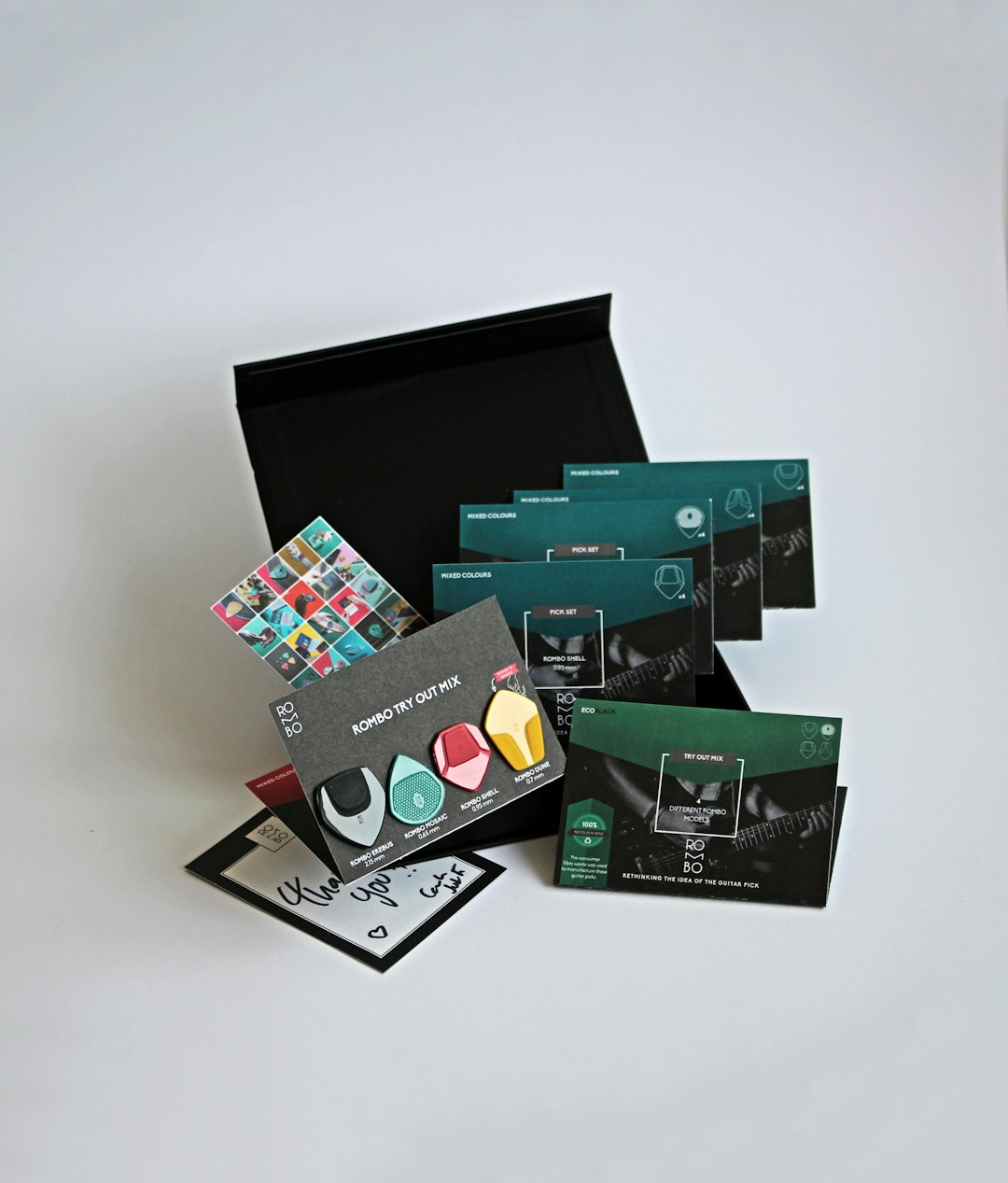
Tip: Always use the preview function to assess how the logo performs in real-world formats.
7. Using Generic Icons
The AI tool offers a vast icon library, but many users select commonplace or overused symbols that do little to make their brand stand out. A generic lightbulb for “ideas” or a simple handshake for “partnership” might seem safe but lacks uniqueness.
Tip: Opt for icons that are either customized or less commonly used, and ensure they’re a real representation of what the brand stands for.
8. Failing to Save Different File Formats
Once the logo design is complete, some users only keep one version — often a low-resolution image suitable for web use but not for print. This hinders flexibility in future branding efforts.
Tip: Save vector formats like SVG or PDF for printing, and PNG or JPEG for digital use. Vistaprint provides these options, so make sure to download all necessary files.
9. Ignoring Branding Consistency
Another misstep is treating the logo as a separate entity, forgetting it needs to align with the rest of the brand visuals. Your logo should seamlessly integrate with the website design, packaging, and marketing materials.
Tip: Use the same fonts and color scheme from the logo across all platforms. Branding should feel unified and intentional.
10. Not Listening to Feedback
Many users complete the logo creation process in isolation. Skipping feedback from teammates, collaborators, or even potential customers can lead to missed opportunities for improvement.
Tip: Share your drafts. Constructive feedback can provide critical insights and help you avoid blind spots.
11. Not Reading Licensing Terms
One often-overlooked detail is the legal aspect surrounding logo ownership and usage rights. Even though Vistaprint offers a license to use the logo, users should clearly understand the terms and limitations associated with their design, especially when stock icons or fonts are involved.
Tip: Review the licensing terms provided by Vistaprint and ensure you legally own the rights for commercial use.
12. Forgetting Future Expansion
Some brands unknowingly box themselves into a limited identity with their initial logo design. For example, using narrow references related only to current products or geography limits long-term flexibility.
Tip: Anticipate growth. Choose a logo design that can evolve along with your business.
Frequently Asked Questions
- Can I edit my logo after purchasing it on Vistaprint?
Yes, Vistaprint allows users to go back and make certain adjustments, but it’s best to finalize all major aspects before purchasing. - Is the logo I create with Vistaprint AI Logo Maker unique?
The AI creates logos based on your inputs and templates, so while it’s not one-of-a-kind like a custom designer’s work, it still results in a tailored design. - What file formats are available with Vistaprint Logo Maker?
Common formats include PNG, JPEG, SVG, and PDF. Always download all available files for maximum flexibility. - Can I hire a designer after using the AI tool?
Absolutely. Starting with the AI tool gives you a great base that a professional designer can enhance further down the road. - Does Vistaprint offer branding guides along with the logo?
Vistaprint may offer some basic brand guidelines, but for comprehensive brand identity, consider working with a design professional.
By being aware of these common mistakes and taking proactive steps to avoid them, users can ensure they make the most of Vistaprint AI Logo Maker and create a logo that truly represents their brand with professionalism and clarity.
