
Dark mode is everywhere. From phones and laptops to apps and websites, the option to switch to a darker theme seems to be everywhere these days. But have you ever stopped to wonder if it’s actually better for your eyes? Let’s turn on the light (or dim it?) and find out!
TL;DR
Dark mode can be easier on the eyes in low-light settings and may reduce screen glare. But it’s not always the best choice for reading lots of text. It really depends on the lighting, the task, and your personal preference. Try both and stick with what feels good for you.
What Is Dark Mode Anyway?
Dark mode is a color scheme that uses a dark background with light-colored text. Most of the time, the background is black or dark gray, and the text is white or light gray. This is the opposite of the standard light mode, where you have dark text on a white background. It’s meant to reduce the amount of light coming from your screen.
Why Is It So Popular?
Dark mode has been getting a lot of attention lately. It looks sleek, modern, and even kind of cool. But that’s not the only reason it’s everywhere.
People say it helps:
- Reduce eye strain
- Save battery life on some screens
- Make reading at night easier
- Cause less screen glare
That sounds awesome, right? But is it really true? Let’s find out more.
Is It Really Better for Your Eyes?
That depends. Here’s what we know:
1. In Low Light: YES
If you’re using your phone or laptop in a dark room, dark mode can definitely be more comfortable. It lowers the brightness of your screen, which means less glare. Your eyes don’t have to work as hard to adjust from the dark room to that bright screen.
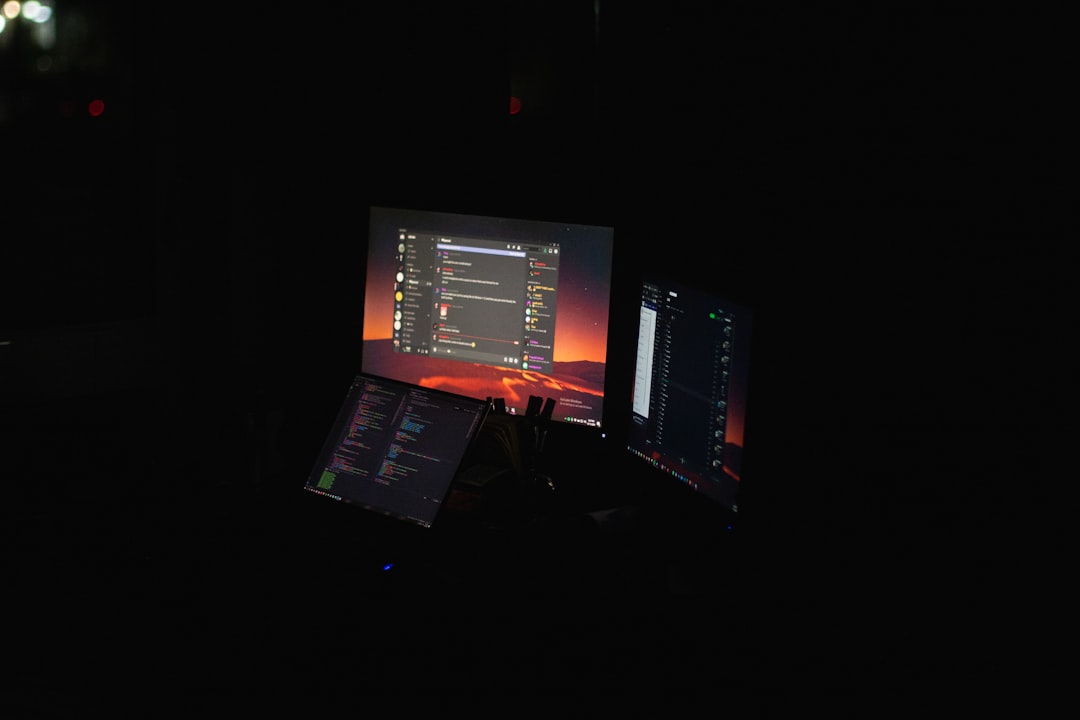
This can reduce eye strain, make it easier to fall asleep after using your device, and keep your surroundings calmer.
2. In Bright Light: NOT SO MUCH
During the day or in a bright room, dark mode may actually make your eyes work harder. The contrast between white text and a black background can make the letters seem fuzzy or washed out. Reading lots of text this way can be tiring for some people.
Most people find light mode better for heavy reading, like going through emails or long documents.
3. Personal Preference Matters
This might be the most important point. Everyone’s eyes are different. What works for your friend might not work for you. Some people love dark mode and use it all the time. Others find it annoying or hard to read with.
Try both options and see how you feel. If one hurts your eyes or gives you a headache, switch.
Does It Help With Eye Strain?
Eye strain is when your eyes feel tired, sore, dry, or blurry. It can happen when you look at screens for a long time. So, can dark mode fix this? Sort of.
Dark mode might help reduce eye strain if:
- You use your screen mostly in dim light
- You lower the brightness to match the environment
- You aren’t reading long bits of text
But even with dark mode on, if you stare at a screen for too long, your eyes will still get tired. The best thing you can do? Take regular breaks.
The 20-20-20 Rule
This is a great trick to protect your eyes. Every 20 minutes, look at something 20 feet away for 20 seconds. It gives your eyes time to rest and reset. Easy!
What About Sleep?
This is big. Dark mode can help your sleep in two ways:
- It reduces blue light — that harsh light that messes with your brain’s sleep signals.
- It’s less bright — so your brain isn’t fooled into thinking it’s still daytime.
If you like to scroll before bed (don’t we all?), switching on dark mode might help you fall asleep faster and sleep better. But still — no screens half an hour before bed is best!
Battery Life Bonus
This doesn’t help your eyes, but it’s still cool. If your device has an OLED screen (many newer phones do), dark mode can actually save battery. OLED screens only light up the parts of the screen that need to be bright. So a mostly-dark screen uses less energy.
More dark mode = less battery drain + potentially fewer eyes on your charger.
When NOT to Use Dark Mode
Dark mode is not perfect for everything. Here’s when it might not be the best choice:
- Reading lots of text – especially during the day
- Editing documents or coding – depends on the app and your comfort
- Eye conditions – people with astigmatism may find dark mode harder to read
If the letters look blurry or you find you’re squinting a lot in dark mode, switch back to light. Your eyes will thank you.

Best Practices for Healthy Eyes—Dark Mode or Not
No matter which mode you use, take care of your eyes. Here are some easy tips:
- Adjust screen brightness – match it to the room around you
- Use bigger fonts – don’t strain to read tiny letters
- Take breaks – remember that 20-20-20 rule!
- Blink more – it keeps your eyes moist
- See an eye doctor – your eyes might need a check-up
Conclusion: So, Is Dark Mode Better?
Yes and no! Dark mode can help your eyes in dark settings and make late-night screen time more comfortable. But it might not be best for reading or using screens in bright environments. The key is to find what works best for you.
Switch between light and dark modes based on your surroundings. Pay attention to your eyes. If they feel dry, sore, or tired, it might be time for a change.
At the end of the day, the best mode is the one that helps you feel good, sleep well, and enjoy your screen without squinting. Whether you like keeping things light or going to the dark side, now you know the full picture!
