
In an age where scam calls, spam messages, and phone fraud have become daily annoyances, millions of people have turned to apps like Truecaller to filter out the noise. The application promises to help users identify unknown callers, block spam, and even message contacts, all in one place. But in exchange for this convenience, users must grant access to personal data. This begs the question — is Truecaller safe to use? In this full privacy review, we delve deep into the functionality, benefits, concerns, and data policies surrounding the app to help you make an informed choice.
TLDR: Is Truecaller Safe? Here’s the Quick Answer
Truecaller is a widely used and effective app for identifying callers and managing communication. However, it does come with privacy concerns, particularly around the way it collects and shares user data. Although it claims compliance with data protection regulations, users should be aware of potential trade-offs. In short, if you prioritize convenience and spam control, Truecaller is useful — but not without some privacy costs.
What Does Truecaller Do?
Truecaller is a caller identification and spam-blocking app that crowdsources data from its user base to create a comprehensive global phone directory. By accessing and aggregating information from users’ contacts (with permission), it ensures a high level of caller ID accuracy. Its main features include:
- Caller ID: Identifies unknown numbers using a global phonebook.
- Spam Protection: Automatically blocks telemarketers, robocalls, and known spam numbers.
- Messaging: Offers SMS and chat functionality within the app.
- Call Recording (on select devices): Optionally records your phone calls for future reference.
- Contact Backup: Stores your contacts on the cloud for easy restoration.
How Does Truecaller Get Your Information?
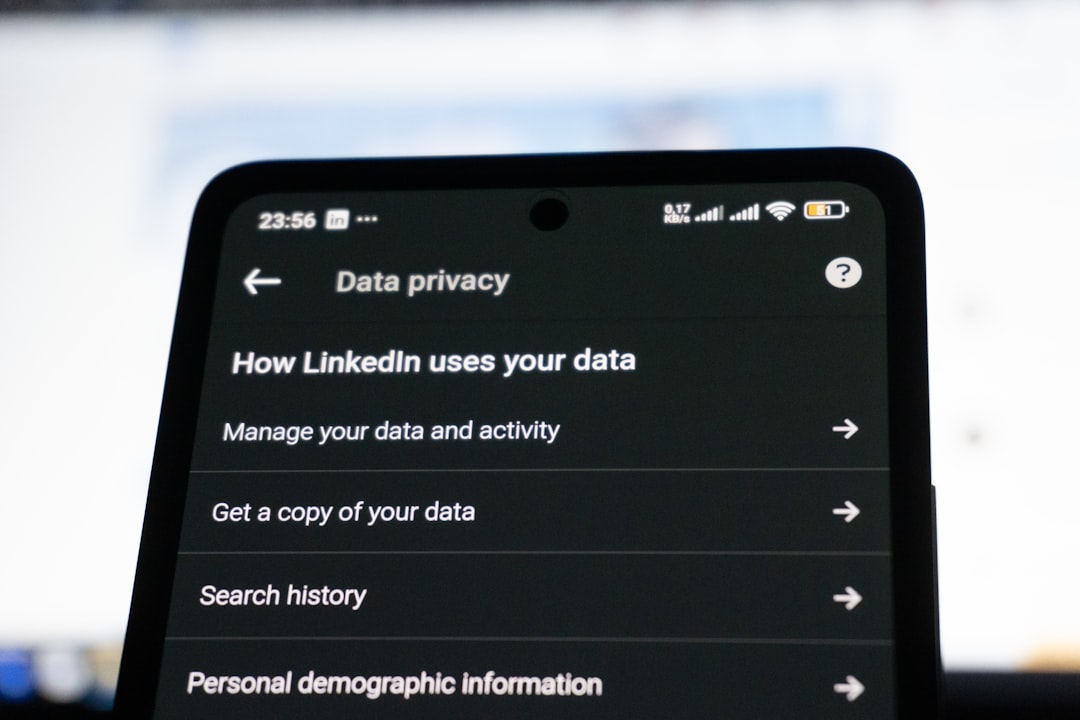
When you download and install Truecaller, particularly during the sign-up process, the app asks for permission to access your phonebook. Here’s how it gathers and manages its data:
- Contact Sharing: Truecaller uploads your phonebook (names and numbers) to its servers. This is how the app builds its massive caller ID database.
- User Reports: Numbers are tagged as spam based on user complaints and behavior patterns.
- Public Sources: Data is also harvested from online sources, social media, and business listings.
While this provides functionality, it also means your number might already be in Truecaller’s database—even if you’ve never installed the app yourself.
Data Privacy Concerns
This is where Truecaller gets controversial. Critics argue that the app walks a fine line between convenience and intrusion. Let’s explore some of the biggest privacy problems highlighted by experts and watchdogs.
1. Lack of Explicit Consent for Shared Contacts
When one user installs Truecaller and uploads their contacts, others who haven’t consented to data sharing may find themselves listed in the app. Their name and number are now in a database — visible to callers who use the service.
2. Reverse Lookup Capabilities
Users can search a phone number and get associated identities, even if the individual has never used Truecaller. This creates the possibility for doxxing or unintended exposure of personal data.
3. Behavioral Tracking
Truecaller doesn’t just collect your contacts. It can also potentially track call patterns, timestamps, call durations, and more to offer patterns for spam management. This data can be sensitive, especially if it’s leaked or misused.
What Does Truecaller Say About Privacy?
Truecaller has responded to criticism by stating that it complies with privacy regulations in jurisdictions like the EU’s GDPR and India’s IT Acts. Here’s how the company positions itself:
- Opt-out Options: You can unlist your number from Truecaller’s database by visiting their website.
- Data Encryption: Calls and messages within the app are encrypted.
- User Control: Users can delete their accounts, along with associated data, at any time.
- Transparency Reports: Truecaller releases occasional updates detailing how it handles data requests and complaints.
However, despite these commitments, many users are unaware of how to opt out or delete their stored information — making transparency a point of ongoing debate.
Can You Use Truecaller Without Compromising Privacy?
The answer depends on your level of caution and what permissions you are willing to grant. Some methods to mitigate privacy risks include:
- Limit Permissions: Only grant access necessary for basic functionality (e.g., caller ID without messaging access).
- Use a Virtual Number: Attach Truecaller to a secondary or throwaway number.
- Disable Contact Uploading: In Android 10 and above, you can block contacts access via system permission settings.
- Regularly Audit App Permissions: Periodically review your app permissions to ensure compliance with your privacy preferences.
What Happens When You Unlist Your Number?
If you’re concerned about finding your number on Truecaller, you have the option to unlist it. Here’s what happens when you do:
- You go to Truecaller’s unlisting page.
- You enter your number with the country code and complete a CAPTCHA.
- Within 24 hours, your number is removed from the searchable public database.
That said, it’s important to know that your number might become visible again if someone in your circle re-uploads their phonebook and your contact is in it. So it’s not a 100% foolproof way to anonymize yourself.
Pros and Cons: The Final Verdict on Truecaller’s Safety
So, is Truecaller safe? Let’s break it down into pros and cons:
Pros:
- Efficient caller identification and spam protection
- User-friendly interface and convenient communication tools
- Customizable privacy settings and opt-out options
Cons:
- Relies heavily on user data and contact sharing
- Lack of explicit consent for uploading others’ information
- Potential for data misuse or exposure
Alternative Apps for the Privacy-Conscious
If you’re wary of Truecaller but still want to screen spam calls, consider these alternatives:
- Hiya: Offers similar spam call filtering without uploading your entire book of contacts.
- CallApp: Call recording and blocking with stricter privacy settings.
- Whoscall: Offline caller ID and customizable blocking options.
While no app is perfect, choosing one with minimal data requirements and transparent policies is a smart move if privacy is your top priority.
Conclusion
Truecaller strikes a tough balance between convenience and privacy. Its features undoubtedly help people avoid scams and spam, but the way it handles data raises important ethical questions. While the app provides tools to opt out and control data sharing, the onus is largely on the user to stay informed and vigilant. If you choose to use it, make sure you understand what you’re signing up for — and how to protect yourself.
