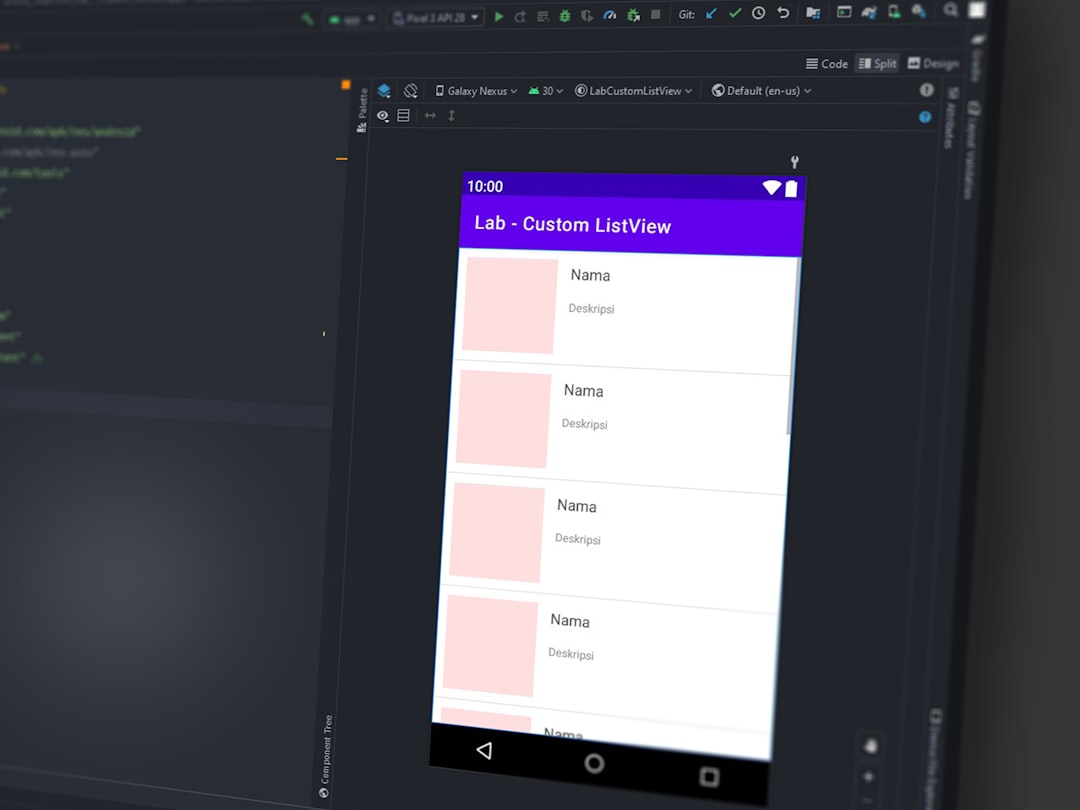
Building internal tools used to be slow. You needed developers. You needed time. And you definitely needed patience. Not anymore. Low-code platforms have changed the game. Now teams can build dashboards, admin panels, approval systems, and custom workflows in days instead of months.
TLDR: Low-code platforms like Tooljet help teams build internal tools fast without heavy coding. They connect to your databases, APIs, and spreadsheets with ease. Many alternatives offer similar or even better features depending on your needs. The best choice depends on budget, technical skill, and how complex your workflows are.
In this article, we’ll explore platforms comparable to Tooljet. We’ll keep it simple. We’ll keep it practical. And we’ll help you choose the right one.
Why Low-Code Tools Are So Popular
Businesses move fast today. Internal teams need tools that keep up.
Think about:
- Customer support dashboards
- Inventory management panels
- Approval workflows
- HR onboarding systems
- Sales reporting boards
Building these from scratch takes time. Low-code platforms remove most of that pain.
They offer:
- Drag-and-drop builders
- Pre-built components
- Easy database integrations
- Authentication systems
- Role-based access control
You focus on solving problems. Not writing boilerplate code.
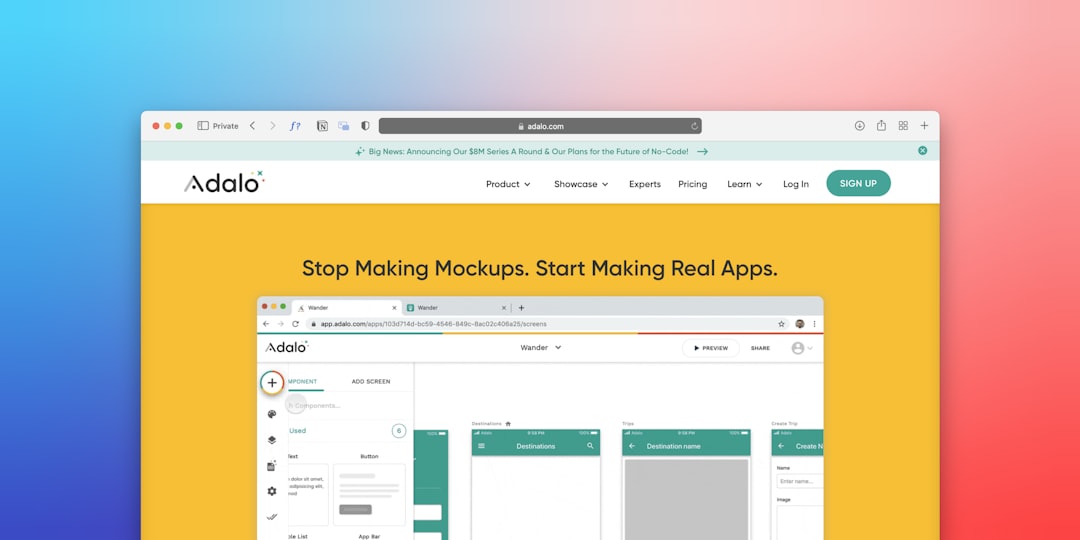
What Makes a Good Tooljet Alternative?
Before we jump into tools, let’s define what matters.
A strong platform should have:
- Easy UI builder – This saves hours.
- Database connectivity – SQL, NoSQL, APIs, spreadsheets.
- Automation support – Workflows matter.
- User permissions – Security first.
- Scalability – It should grow with you.
- Fair pricing – No surprise bills.
Now let’s explore the top alternatives.
1. Retool
Retool is one of the biggest names in the low-code space.
It’s powerful. Very powerful.
Why people love it:
- Huge library of components
- Strong database integrations
- Advanced scripting with JavaScript
- Great enterprise features
It feels developer-friendly. If your team knows basic coding, you’ll love the flexibility.
Best for: Tech teams that want control and customization.
Downside: It can feel overwhelming for total beginners.
2. Appsmith
Appsmith is open-source. That’s a big plus.
You can self-host it. You can customize it. You can tweak it however you like.
Top features:
- Drag-and-drop UI builder
- JavaScript logic support
- Strong API integration
- Active open-source community
If you like transparency and flexibility, this is a solid choice.
Best for: Teams that want open-source freedom.
Downside: Requires more technical setup if self-hosted.
3. Budibase
Budibase is simple. Clean. Friendly.
It’s designed for fast internal tool creation.
Why it stands out:
- Built-in database options
- Automation features
- Clean UI templates
- Open-source option available
You can build forms and admin panels quickly.
Best for: Small to mid-size businesses.
Downside: Not as feature-heavy as Retool for complex use cases.
4. OutSystems
This one is enterprise-grade.
Big companies love it.
Highlights:
- Full application lifecycle support
- Scalable architecture
- AI-assisted development features
- Strong security compliance
This goes beyond simple dashboards. It can power serious business apps.
Best for: Large enterprises.
Downside: Pricing can be high.
5. Zoho Creator
Zoho is already a big ecosystem. Creator fits right in.
It’s more no-code than low-code.
Features include:
- Visual app builder
- Workflow automation
- Mobile app support
- Deep integration with Zoho apps
It’s great for operational apps.
Best for: Businesses already using Zoho.
Downside: Less flexibility for complex custom logic.
6. Glide
Glide turns spreadsheets into apps.
Yes. Really.
You connect Google Sheets or Airtable. Glide builds an app interface automatically.
Why it’s fun:
- Super fast setup
- Clean mobile-friendly design
- Minimal learning curve
Best for: Simple tools and prototypes.
Downside: Not ideal for complex backend logic.

7. Backendless
Backendless focuses heavily on backend functionality.
It provides visual logic builders and database management.
What makes it different:
- Visual API services
- Real-time database
- Push notifications support
- Scalable backend infrastructure
Best for: Teams building backend-heavy internal apps.
Downside: UI building is not as smooth as others.
Quick Comparison Chart
| Platform | Best For | Open Source | Ease of Use | Enterprise Ready |
|---|---|---|---|---|
| Retool | Developer teams | No | Medium | Yes |
| Appsmith | Custom open setups | Yes | Medium | Yes |
| Budibase | Small businesses | Yes | Easy | Moderate |
| OutSystems | Large enterprises | No | Medium | Yes |
| Zoho Creator | Operational apps | No | Easy | Moderate |
| Glide | Simple tools | No | Very Easy | No |
| Backendless | Backend logic | No | Medium | Yes |
How to Choose the Right One
Here’s a simple way to decide.
Ask yourself:
- How technical is my team?
- Do we need open-source?
- How complex are our workflows?
- What is our budget?
- Do we need enterprise compliance?
If your team writes JavaScript comfortably, try Retool or Appsmith.
If you want something simple and clean, try Budibase or Glide.
If you need big enterprise power, look at OutSystems.
Common Use Cases for These Platforms
Internal tools come in many shapes.
Here are popular use cases:
- Admin dashboards
- Inventory tracking systems
- Customer support management panels
- Employee onboarding workflows
- Financial approval processes
Most platforms support:
- Role-based login
- Data editing tables
- API-triggered actions
- Email notifications
- File uploads

Benefits of Using Low-Code for Internal Tools
Let’s keep it simple.
1. Speed
You can build in days.
2. Flexibility
Make changes instantly.
3. Cost savings
Less developer time.
4. Empowerment
Operations teams can build too.
5. Experimentation
Test ideas fast.
This creates innovation inside companies.
Watch Out for These Pitfalls
Low-code is powerful. But not magic.
Be careful about:
- Vendor lock-in
- Scaling limits
- Complex performance bottlenecks
- Overcomplicated workflows
Sometimes custom code is still necessary.
The trick is balance.
The Future of Internal Tool Development
Low-code platforms are getting smarter.
AI is entering the picture.
Many tools now suggest:
- Auto-generated queries
- Layout recommendations
- Workflow optimizations
- Error detection
In the future, building internal tools may feel like describing what you want in plain English.
And the system builds it for you.
Final Thoughts
Tooljet is strong. But it’s not alone.
You have many solid alternatives. Each has its strengths.
If you want power, go with Retool or Appsmith.
If you want simplicity, choose Budibase or Glide.
If you need enterprise muscle, OutSystems is worth a look.
Start small. Test fast. Improve often.
That’s the beauty of low-code.
You don’t need to build everything from scratch anymore.
