Creating content is rewarding, but the real power lies in repurposing that content into multiple formats to reach wider audiences. For content creators and marketers, using the right tools to reformat, revise, and redistribute written work is essential for efficiency and scalability. Whether it’s turning a blog post into a YouTube script, a carousel post for Instagram, or podcast show notes, repurposing content has become a cornerstone strategy in digital marketing success.
TL;DR: Repurposing content allows creators to extend the lifespan and reach of a single article. Using dynamic writing tools, content teams can reformat content into videos, social media posts, newsletters, and more. This not only saves time but maximizes return on investment. Discover the top 9 writing tools that make this process seamless and powerful.
1. Jasper (formerly Jarvis)
Jasper is an AI-powered writing assistant that helps creators rewrite and reformat content at scale. It stands out because of its ability to understand brand voice and its numerous use-case templates, making it easy to turn one article into various formats like tweets, emails, or even ebook chapters.
- Best for: Automated rewriting and multiple content style outputs.
- Highlight Feature: Content Improver and Paragraph Rewriter modules.
2. Canva Docs and Canva Magic Write
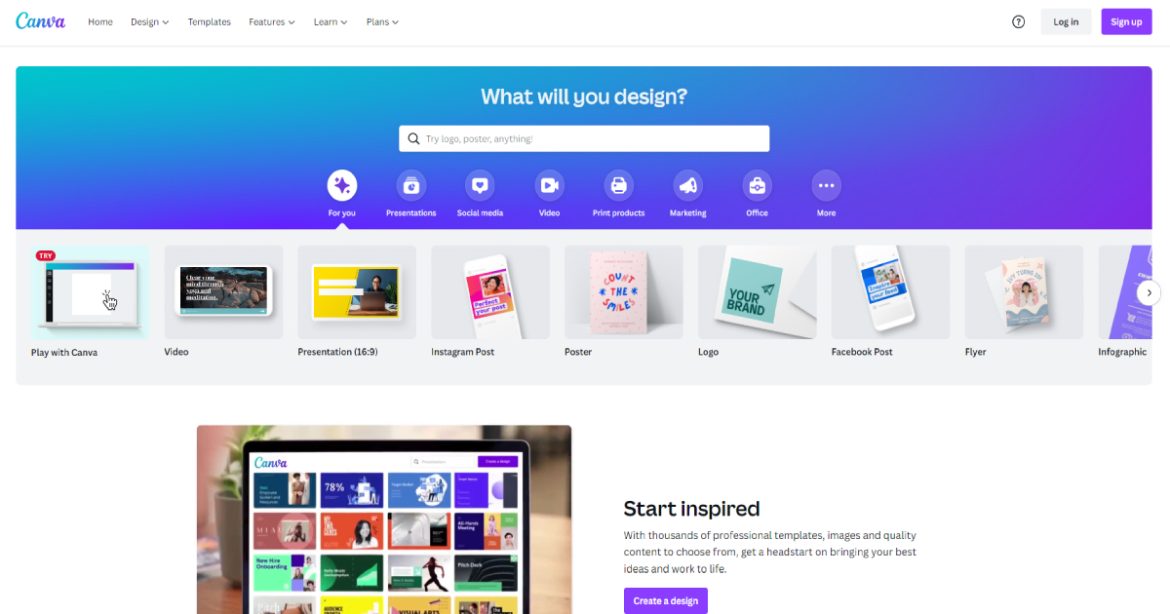
More than a graphic design tool, Canva now offers an integrated document editor with Magic Write—its AI text generation tool. Creators can use it to summarize articles or convert ideas into scripts or social posts, then visually enhance them with Canva’s design assets.
- Best for: Visual storytelling and repackaging content into infographics, slides, and social media posts.
- Highlight Feature: Real-time collaboration and built-in graphics support.

3. Notion AI
Notion started as a productivity app but has evolved into a powerhouse of AI-driven content management and writing. With Notion AI, you can summarize lengthy articles, extract key points, and automatically generate outlines or alternative content formats.
- Best for: Centralizing content creation and planning pipelines.
- Highlight Feature: Smart summaries, auto-generated checklists, and daily task tracking for content teams.
4. Descript
If your goal is to convert written content into audio or video formats, Descript is your go-to tool. It provides transcription, voice-over capabilities, and even lets you create video content using just scripts. Writers can turn blogs into podcasts or video explainers with minimal effort.
- Best for: Transforming articles into podcasts and videos.
- Highlight Feature: “Overdub” for AI-powered voice cloning and audio editing.

5. Copy.ai
Copy.ai enables content creators to take one piece of writing and generate dozens of variations suitable for different channels. Whether you need an article converted into email campaigns, bullet points for presentations, or Instagram captions, Copy.ai has you covered.
- Best for: Social media content and email marketing repurposing.
- Highlight Feature: Product Descriptions and Social Media Hooks templates.
6. ContentBot
ContentBot blends automation and long-form content capabilities, making it ideal for repurposing content into knowledge-based deliverables like whitepapers, blog spins, and case studies. It even features an article-to-video tool for added versatility.
- Best for: Long-form content adaptation and B2B marketing materials.
- Highlight Feature: Autopilot blogging and tone customization.
7. Surfer SEO
While primarily used for search engine optimization, Surfer SEO also plays a key role in content repurposing by showing you what search queries are related to your core content. Creators can spin out new but related articles, summaries, and FAQs based on keyword clusters.
- Best for: SEO-based repurposing and content ideation.
- Highlight Feature: Content Editor with keyword suggestions and structure guidance.
8. Lumen5
Lumen5 offers a unique video-generation platform where creators can input blog text and receive fast, customizable video content. It’s a favorite for marketers who want to turn written content into eye-catching Facebook or LinkedIn videos.
- Best for: Visualizing articles as short-form, shareable videos.
- Highlight Feature: Drag-and-drop editor with branded templates.
9. Airtable
Though not a writing tool in the traditional sense, Airtable is crucial for content strategists looking to manage, track, and automate their repurposing workflows. Writers and marketers use it to plan when and how each version of their content goes live across different platforms.
- Best for: Workflow automation and content calendar planning.
- Highlight Feature: Custom views based on campaign, status, or platform.
Why Repurposing Content Matters More Than Ever
Repurposing content isn’t just trendy—it’s strategic. In today’s multi-platform world, audiences consume different content formats on different apps. One person may prefer reading an in-depth blog, while another enjoys quick TikTok videos with bite-sized information. Repurposing makes sure you tap into these different preferences without creating fresh content from scratch every time.
It also boosts your content ROI. That well-researched blog article can fuel a video series, a webinar, a tweet thread, and an email campaign. Repurposing multiplies your reach while saving creative energy and resources.
Making It All Work Together
Smart content creators don’t rely on just one tool. Instead, they use a mix of platforms that together form a robust content engine. For instance, you could write your core article in Notion, adapt it with Jasper or Copy.ai, turn it into visuals using Canva or Lumen5, and manage the distribution calendar with Airtable.
Here’s how a simplified workflow might look:
- Write or gather source material in Notion.
- Use Jasper to rephrase and rewrite segments.
- Reformat content for social media using Copy.ai.
- Build a short explainer video with Lumen5.
- Design complementary sliders or infographics in Canva.
- Track the rollout plan on Airtable.
Final Thoughts
In the ever-evolving world of digital media, repurposing content is not only clever but necessary. By leveraging the best writing and content tools available today, creators can efficiently transform a single piece of writing into a wealth of diverse formats. This doesn’t only save time—it expands your brand’s presence exponentially across multiple channels.
Explore these tools, blend them into your workflow, and watch your content go further with less effort. Whether you’re a solo creator or managing a team, embracing a smarter, tool-powered approach to content repurposing could be the game-changer you’ve been looking for.
