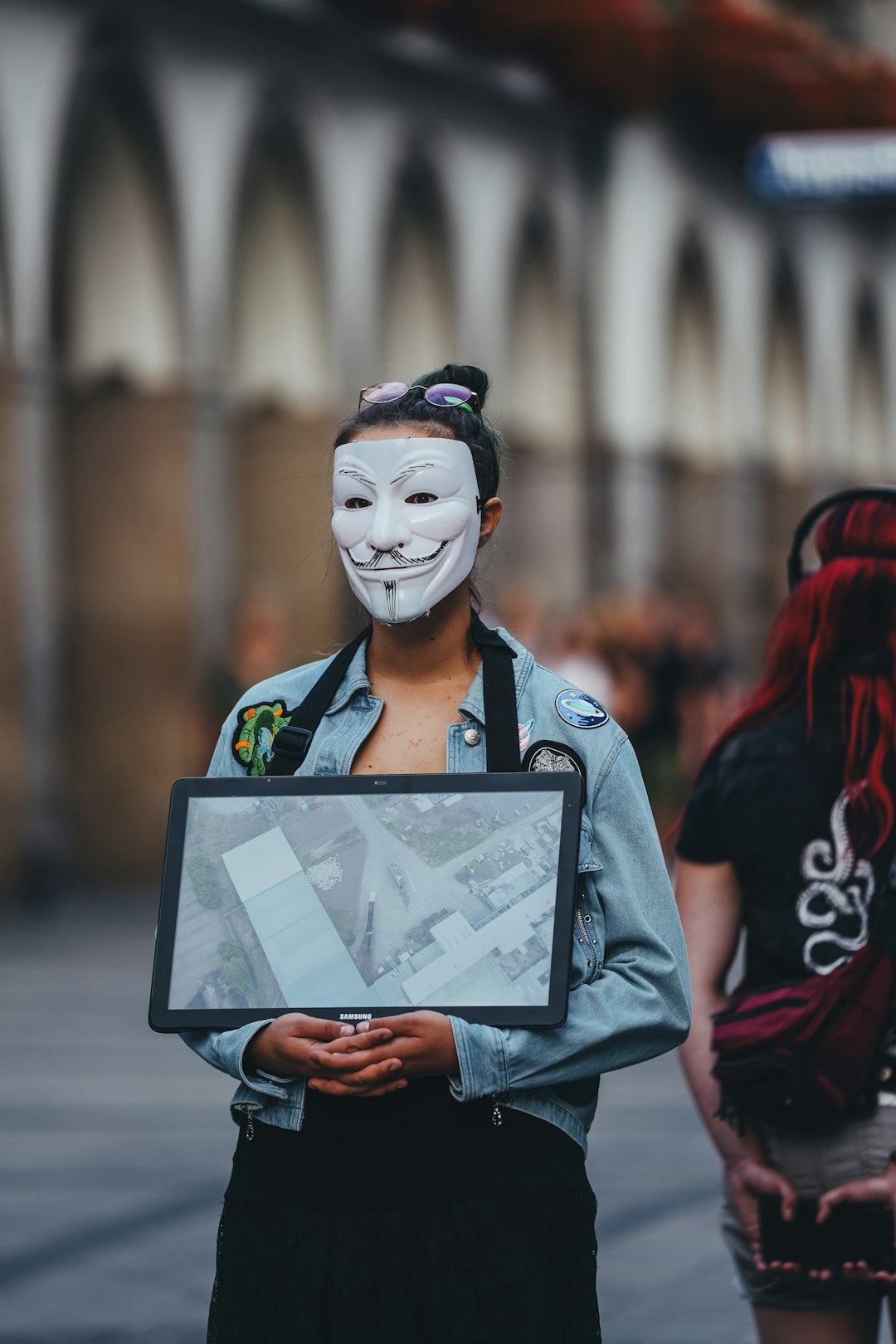
Cosplay has evolved far beyond sewing fabric and cutting foam on a kitchen table. Today’s creators combine craftsmanship with digital tools to conceptualize, refine, and perfect their designs before bringing them into the physical world. With the right apps, cosplayers can sketch ideas, test color schemes, build patterns, and even visualize full costumes in 3D. These tools not only streamline the creative process but also help save time, money, and materials.
TLDR: Modern cosplay design apps help creators sketch concepts, build patterns, experiment with materials, and visualize costumes in 3D before crafting begins. From digital drawing platforms to 3D modeling software, these tools enhance precision and creativity. This article explores four powerful cosplay design apps and compares their strengths. A FAQ section at the end answers common questions for beginners and experienced creators alike.
Whether someone is crafting their first convention outfit or preparing for a professional competition, the following four cosplay design apps can help bring imaginative ideas to life.
1. Procreate – Digital Sketching Made Intuitive
When it comes to turning cosplay ideas into detailed concept art, Procreate stands out as a favorite among creators. Designed for tablets, it offers a natural drawing experience that mimics traditional sketching while delivering powerful digital tools.
Cosplayers often start with rough sketches to visualize their costumes. Procreate allows users to layer designs, test multiple variations, and experiment with colors without starting over. The app’s brush customization is particularly useful for sketching fabrics, armor textures, and lighting effects.
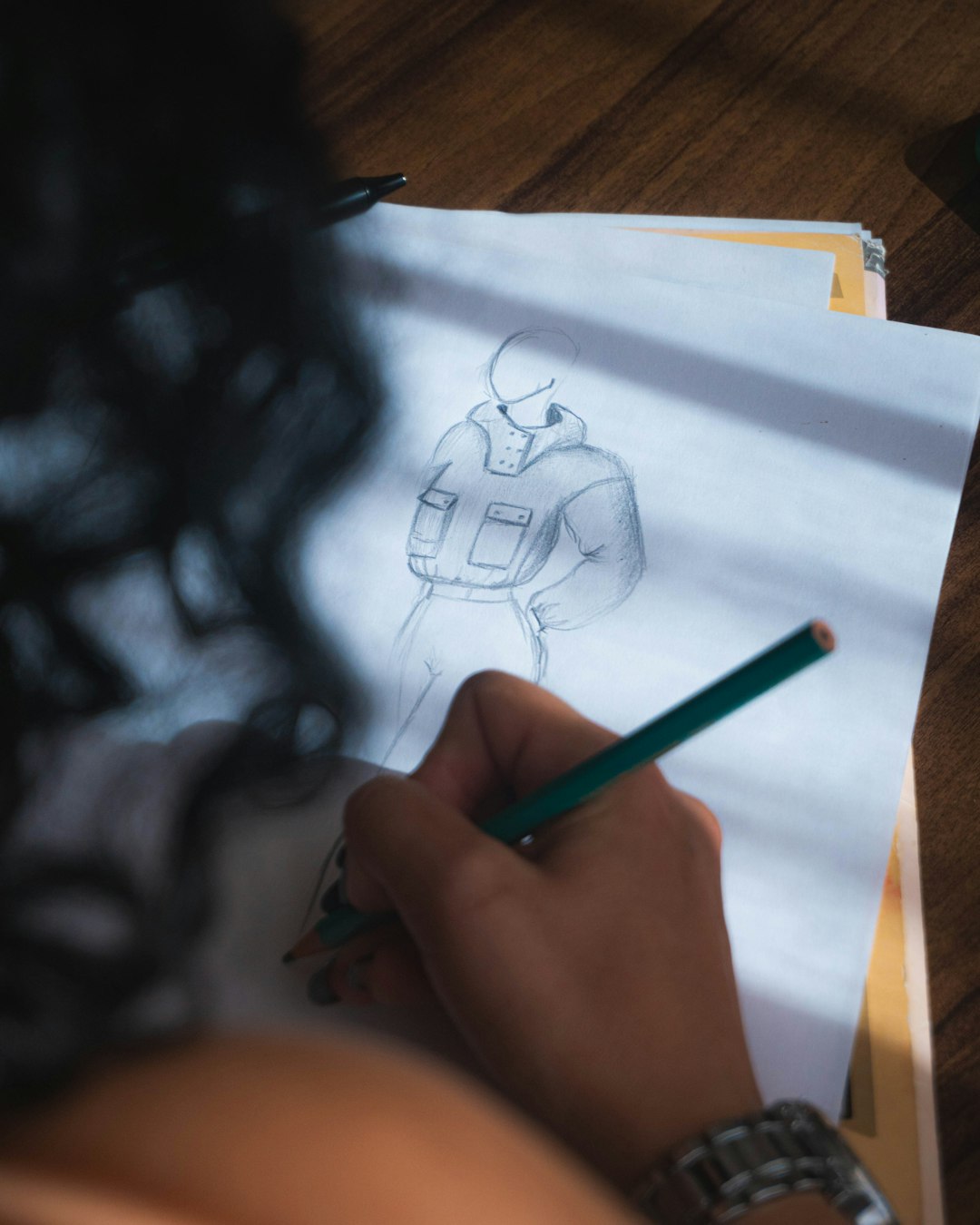
Why It’s Great for Cosplayers:
- Layer functionality for separating armor, fabric, and accessories
- Color drop and palette tools for testing schemes
- High-resolution canvases for print-ready concept sheets
- Time-lapse recording to document the design process
Because cosplay often involves complex elements—like layered armor plates or intricate embroidery—Procreate makes it easy to break down components visually. Designers can zoom in on details without losing clarity.
However, while Procreate excels at 2D design, it doesn’t offer pattern drafting or 3D modeling capabilities. It works best during the conceptual phase of cosplay creation.
2. Clo3D – Realistic 3D Garment Simulation
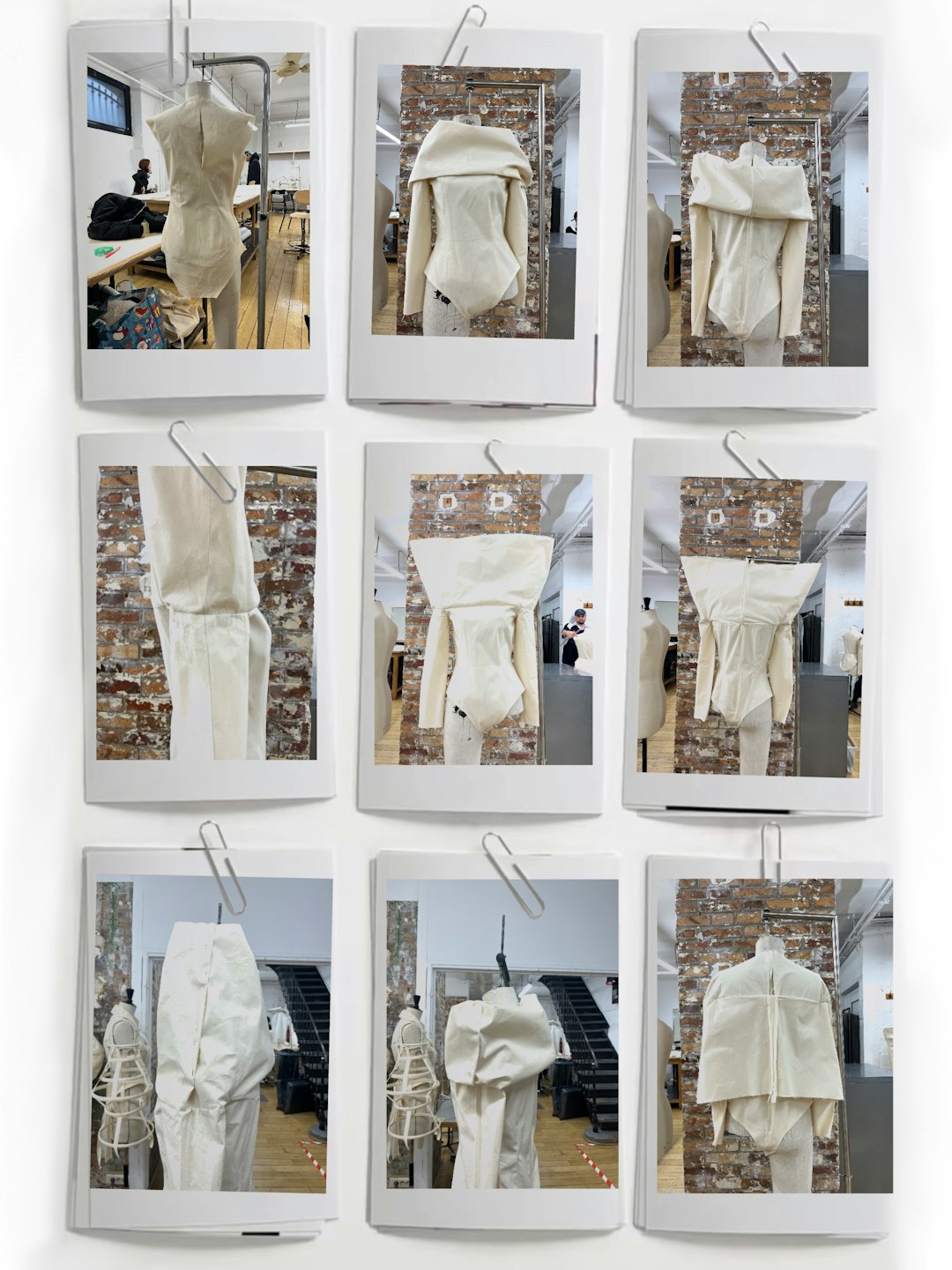
For cosplayers who focus on elaborate costumes with flowing fabrics, capes, or fitted garments, Clo3D is a game-changer. Originally developed for fashion designers, the software allows users to create digital garments and simulate how they move on a 3D model.
Instead of guessing how fabric might drape, designers can test patterns virtually. This dramatically reduces mistakes during physical production.
Standout Features:
- Real-time fabric simulation with adjustable material properties
- Custom avatar sizing for accurate fit
- Pattern drafting tools integrated directly into 3D previews
- Animation testing to see how costumes move
Cosplayers recreating gowns, uniforms, or historical outfits benefit significantly from Clo3D’s physics-based simulation. They can preview skirt volume, sleeve flow, and overall silhouette before cutting expensive fabric.
The learning curve may be steeper than basic drawing apps, but the payoff is precision. For serious competitors and professional costume designers, this level of realism is invaluable.
3. Blender – Advanced 3D Modeling for Props and Armor
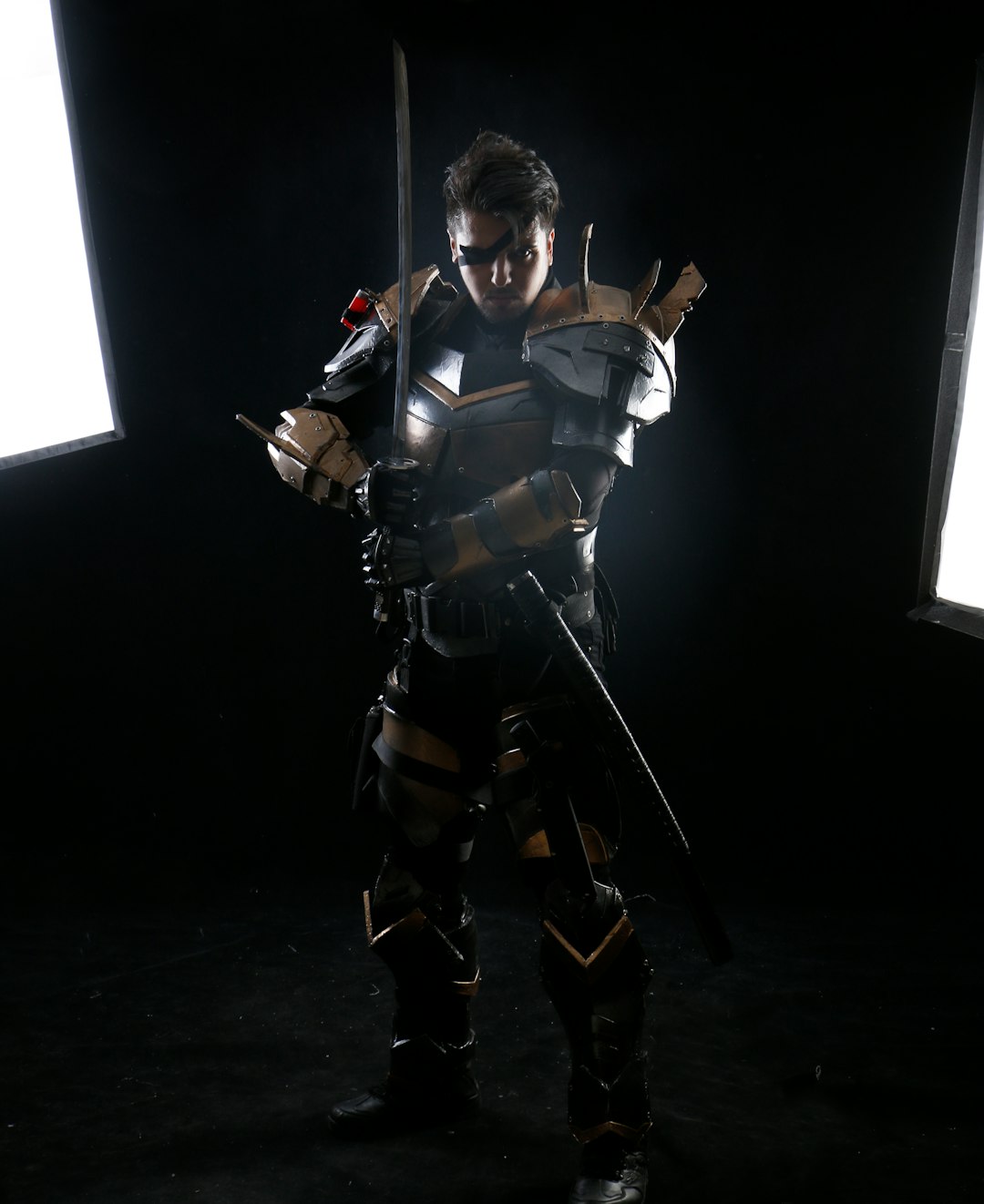
Many cosplay builds revolve around dramatic armor sets, oversized weapons, or detailed props. Blender, a free and open-source 3D modeling software, empowers creators to design these components digitally before crafting them from foam, resin, or via 3D printing.
With Blender, cosplayers can sculpt armor plates, create precise measurements, and export files ready for 3D printing. This ensures accurate scaling and alignment.
Key Advantages:
- Detailed sculpting tools for intricate textures
- Precise scaling and proportion control
- Export compatibility with 3D printers
- Rendering tools for photorealistic previews
For example, someone designing a sci-fi armor set can model each plate to perfectly fit body dimensions. Instead of reshaping foam repeatedly, the design is perfected digitally first.
Blender does require practice. However, countless tutorials make it accessible even to beginners willing to invest time. Its versatility extends beyond cosplay into animation and game design, making it a valuable long-term skill.
4. Adobe Illustrator – Precision Pattern & Vector Design
While hand-drawn sketches are excellent for brainstorming, detailed pattern drafting requires precision. Adobe Illustrator excels in vector-based design, allowing cosplayers to craft clean, scalable templates for embroidery, decals, and structural components.
Vector graphics maintain clarity regardless of size, making them ideal for cutting machines or laser engravers.
Why Cosplayers Choose Illustrator:
- Precise pen and shape tools for pattern drafting
- Layer and alignment controls
- Compatibility with cutting machines
- Scalable artwork for large props and prints
It’s especially useful for:
- Designing emblems and insignias
- Creating foam templates
- Drafting symmetrical armor details
- Preparing heat transfer vinyl graphics
Though subscription-based, Illustrator provides professional-level control that many advanced cosplayers rely on when accuracy matters most.
Comparison Chart: Which App Is Right for You?
| App | Best For | Skill Level | Key Strength | Platform |
|---|---|---|---|---|
| Procreate | Concept art & costume sketches | Beginner to Advanced | Intuitive digital drawing | Tablet |
| Clo3D | Garment simulation | Intermediate to Advanced | Realistic fabric movement | Desktop |
| Blender | Armor & prop modeling | Intermediate to Advanced | Free, powerful 3D sculpting | Desktop |
| Adobe Illustrator | Patterns & vector templates | Intermediate | Precision and scalability | Desktop & Tablet |
How These Apps Work Together
Many experienced cosplayers do not rely on just one tool. Instead, they combine multiple apps throughout the creation process:
- Sketch the concept in Procreate.
- Simulate garments in Clo3D.
- Model props and armor in Blender.
- Create precise templates in Illustrator.
This layered approach mirrors professional production pipelines used in film and game studios. By integrating digital design early in the process, cosplayers minimize material waste and improve overall craftsmanship.
Additionally, digital planning makes it easier to collaborate. Team cosplay groups can share files, refine color palettes, and align on design interpretations before building begins.
Why Digital Design Is the Future of Cosplay
Cosplay is becoming increasingly competitive, especially in international competitions. Judges now examine:
- Accuracy to source material
- Construction techniques
- Mobility and fit
- Detail quality
Digital tools allow creators to refine these areas before committing to fabrication. Rather than discovering proportion mistakes midway through a build, cosplayers can identify and adjust issues digitally.
Furthermore, apps like Blender open doors to 3D printing innovations. Intricate mechanical components once impossible to craft by hand are now accessible to dedicated hobbyists.
Even beginners benefit. Instead of feeling overwhelmed by complex costumes, they can visually break designs into manageable components.
Frequently Asked Questions (FAQ)
1. Are cosplay design apps necessary for beginners?
No, they are not strictly necessary. Many cosplayers start with pencil and paper. However, digital tools greatly improve efficiency, reduce costly mistakes, and help refine ideas more quickly.
2. Which app is best for designing armor?
Blender is typically the best choice for designing detailed armor and props, especially if 3D printing is involved. Illustrator can also help with flat foam templates.
3. Is Clo3D worth learning for hobbyists?
If a cosplayer frequently creates complex garments or competes at high levels, Clo3D can be very worthwhile. For occasional builds, simpler pattern-making tools may suffice.
4. Can these apps run on basic computers?
Procreate requires a compatible tablet. Illustrator runs on moderately powerful systems. Blender and Clo3D benefit from higher-performance computers, particularly for rendering and simulations.
5. Do these apps replace traditional sewing and crafting skills?
No. Digital tools enhance planning and visualization, but physical craftsmanship remains essential. Apps serve as guides—not replacements—for hands-on techniques.
6. Is Blender really free?
Yes, Blender is fully open-source and free to use, making it an excellent starting point for cosplayers exploring 3D modeling.
Cosplay is ultimately about creativity, storytelling, and passion. These four apps—Procreate, Clo3D, Blender, and Adobe Illustrator—offer powerful ways to translate imagination into reality. By mastering even one of them, creators can elevate their designs to professional levels. By combining them, they unlock nearly limitless possibilities.
In a world where fandom and technology continue to merge, digital design tools are no longer optional luxuries—they are creative accelerators that empower cosplayers to bring bold visions fully to life.
