Instagram is one of the most popular social media platforms globally, with over a billion active users. Unfortunately, its widespread use also makes it a prime target for hackers. From influencers to casual users, no account is entirely safe without the right precautions. Understanding how Instagram hacks typically happen is the first step toward safeguarding your digital identity.
TL;DR
Instagram hacks often occur through phishing, weak passwords, and third-party app misuse. Most attacks can be prevented by enabling two-factor authentication and staying alert to suspicious messages and links. Stay away from unofficial apps or tools that request Instagram access. Ultimately, protecting your Instagram depends on awareness and adopting smart security habits.
Common Methods Hackers Use to Breach Instagram Accounts
Cybercriminals are evolving, and their methods are becoming more deceptive. Below are the most common strategies used to gain unauthorized access to Instagram accounts:
1. Phishing Scams
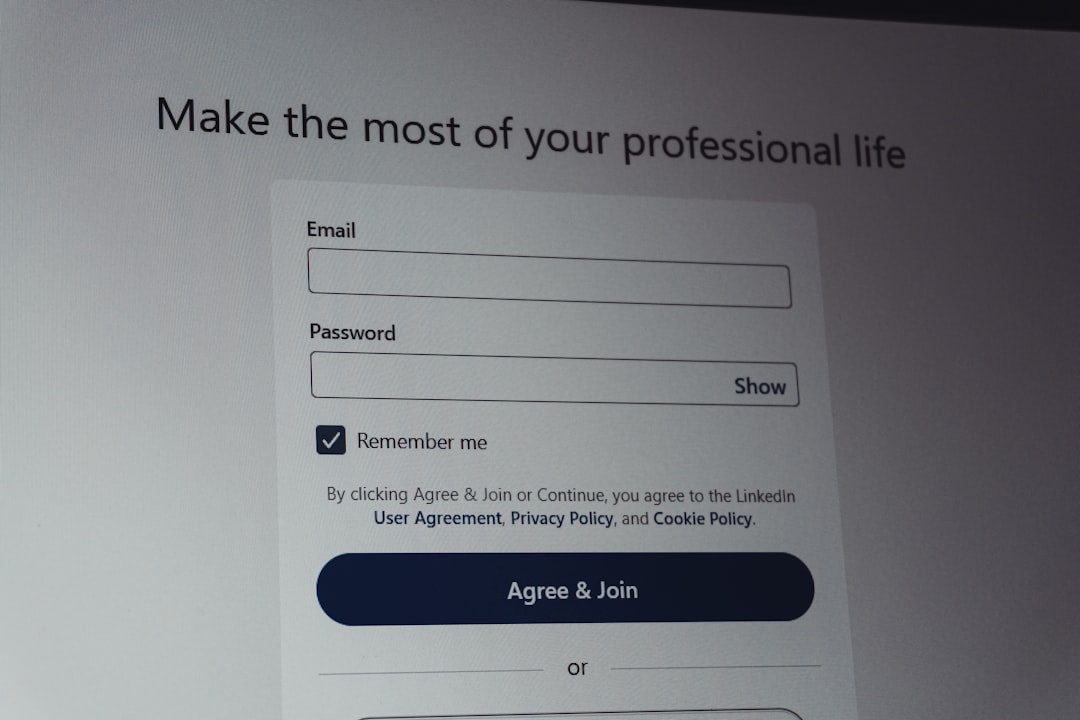
This is by far the most common method. Hackers create fake login pages or send malicious links that look like they’re from Instagram. These links often appear convincing, using Instagram’s logo and similar URLs to trick users into entering their credentials.
For example, you might receive an email or DM saying that your account has been flagged or that you need to verify your identity. The link in the message directs you to a page that looks identical to Instagram’s login portal—except it’s fake. Once you enter your information, the hacker gains control.
2. Weak or Reused Passwords
Many users underestimate the value of a strong password. Using simple passwords like “123456”, “password”, or the same password across multiple platforms makes hacking a breeze. Once hackers obtain your password from a data breach on another site, they will try the same credentials on your Instagram.
3. Third-Party Apps and Bots
Have you ever used a service that promises to grow your followers or help you post better content? If so, you may have handed over your Instagram credentials to a malicious third party. Some of these apps are not affiliated with Instagram and are designed to harvest user data or make unauthorized changes to your account.
Even seemingly legit third-party platforms can be compromised or lack proper security controls, exposing users to risk.
4. SIM Swapping
A less common but highly dangerous method is SIM swapping. Hackers trick your mobile carrier into transferring your phone number to their device. Once they do this, they use your number to receive two-factor authentication (2FA) codes and access your Instagram account.
This technique requires more effort and targeting but has been used in high-profile attacks, especially against influencers and celebrities.
5. Malware and Keylogging Software
Downloading unverified software, especially on your computer or smartphone, can be dangerous. Some applications contain keylogging tools designed to record every keystroke—capturing your Instagram username and password in the process. These logs are then sent to cybercriminals without your knowledge.
How to Recognize a Compromised Account
If your account has been hacked, it may show the following symptoms:
- You’re logged out and can’t get back in.
- Your email address or phone number on the account has changed.
- Posts or DMs appear that you didn’t create.
- Your followers report receiving suspicious messages from you.
- You receive login alerts from unknown devices or locations.
Being able to identify these red flags early can help you act fast and possibly regain access before more damage is done.
How to Protect Your Instagram Account
Now that you understand how hacks happen, here are proactive steps you can take to guard your account:
1. Use a Strong, Unique Password
Create a password with:
- At least 12 characters
- A mix of uppercase and lowercase letters
- Numbers and special characters
Never reuse passwords across multiple platforms. It’s a good idea to use a reputable password manager to keep track of your login details securely.
2. Enable Two-Factor Authentication (2FA)
Two-factor authentication adds a second layer of protection by requiring a login code sent to your phone or generated by an authentication app (like Google Authenticator or Authy). Even if someone has your password, they’d need that code too.
3. Beware of Phishing Links
Always double-check the URL before entering your account credentials. Instagram’s official domain is instagram.com—be extra cautious of misspellings or similar-looking domains. Also, never click links from unknown DMs or suspicious emails.
4. Avoid Unauthorized Third-Party Apps
Only use Instagram-integrated services or those thoroughly vetted by your own research. Don’t grant unknown apps permission to access your account. Review approved apps in your Instagram settings periodically and revoke any that seem suspicious.
5. Secure Your Email and Phone Number
Your email is a gateway to your Instagram account. Use a secure provider, enable 2FA on your email as well, and consider creating an email account solely for your social media logins. Similarly, work with your mobile provider to set up a PIN or account lock to deter SIM swapping.
6. Log Out from Shared Devices and Monitor Active Sessions
If you log into Instagram on someone else’s device or a public computer, make sure to log out when you’re done. You can also check where your account is actively logged in by going to:
Settings > Security > Login Activity
Here, you’ll see locations, device types, and can end unknown sessions.
What to Do If You’re Hacked
If the worst happens and you lose control of your Instagram, here’s what to do:
- Go to the Instagram app or website and click on “Get help logging in.”
- Use your email, username, or phone number to receive a login link.
- Try to access your account and change your password immediately.
- If your email was changed, select “Secure your account” on the login page. Instagram might ask you for old email addresses or verification codes.
- If all else fails, you can fill out a report form on Instagram’s Help Center for hacked accounts.
The sooner you act, the higher the chance of recovering your account.
Conclusion
Instagram, like all social platforms, carries risks. Hackers prey on inattentive users, so educating yourself on attack methods is not just recommended—it’s essential. By adopting strong security practices and staying vigilant, you significantly reduce your chances of falling victim to a hack.
Online safety is a shared responsibility, but your digital wellbeing starts with you. Stay alert, think before you click, and remember: if it seems suspicious, it probably is.