So you’ve heard about the Besties app and you’re a proud owner of a Google Pixel phone. Congrats! You’re in for a visual treat. The combo of this social app with Pixel’s powerful camera is like peanut butter and jelly—perfect together!
TLDR: If you’re using the Besties app on a Google Pixel phone, you’re going to love how the camera supercharges your experience. You can take crystal-clear selfies, stunning group shots, and creative posts all thanks to Pixel’s advanced features. Shoot like a pro with no photography skills required. This isn’t just sharing your life—it’s sharing it in style!
What is the Besties App Anyway?
Besties is a fun social app for connecting with your closest friends. Think of it as an Instagram-meets-sleepover-vibes kind of deal. It’s private, personal, and made for people who want to keep it real with their inner circle. You post daily pics, messages, or short videos just for your best friends.
Why the Google Pixel Makes It Even Better
The Besties app is great on any smartphone, but on a Google Pixel, it totally shines. Why? Because of the Pixel’s camera features. These phones are known for their smart software, crisp lenses, and magical post-editing tools.
Here’s a breakdown of the coolest camera features that are perfect for Besties users:
1. Magic Eraser
Ever take a photo with an epic outfit but someone’s elbow is ruining the shot? Enter Magic Eraser. This Pixel-only feature lets you remove photo-bombers or clutter with a swipe. Bye-bye random strangers, hello clean background!
2. Real Tone
This one’s big. Pixel uses Real Tone technology to make sure all skin tones look authentic and beautiful. No extra filters or weird lighting needed. Everyone looks just as radiant as they are in real life.
3. Night Sight
Have you and your besties ever tried taking selfies at a dimly lit party? Usually, it’s all shadows and blurs. Pixel’s Night Sight makes low light look amazing. It captures bright, clear photos even when the lights are low.
Image not found in postmeta
4. Portrait Mode
This one’s for the dramatic flair. Portrait Mode creates a blurred background, making your bestie or squad the star of the shot. It’s like having a mini photo studio in your pocket.
5. Super Res Zoom
If you’re trying to capture your friend across the dance floor or the perfect jump-in-the-air beach pic, Super Res Zoom keeps things sharp even when zoomed in. No more fuzzy photos!
Built for Sharing Moments
The Besties app is all about moments. With Pixel, you can snap, edit, and share instantly. These features are perfect for daily photo drops, silly selfies, and mini videos:
- Motion Mode: Great for action shots—like jumping, dancing, or spinning around with your BFFs
- Face Unblur: Caught an epic mid-laugh? No worries. Pixel can fix blurry faces automatically
- Cinematic Pan: Want your video to feel like a mini movie? This slow-swaying camera mode adds serious vibes
Top Tips to Use Pixel Camera with Besties
- Use voice activation – Say “take a selfie” to snap a hands-free pic!
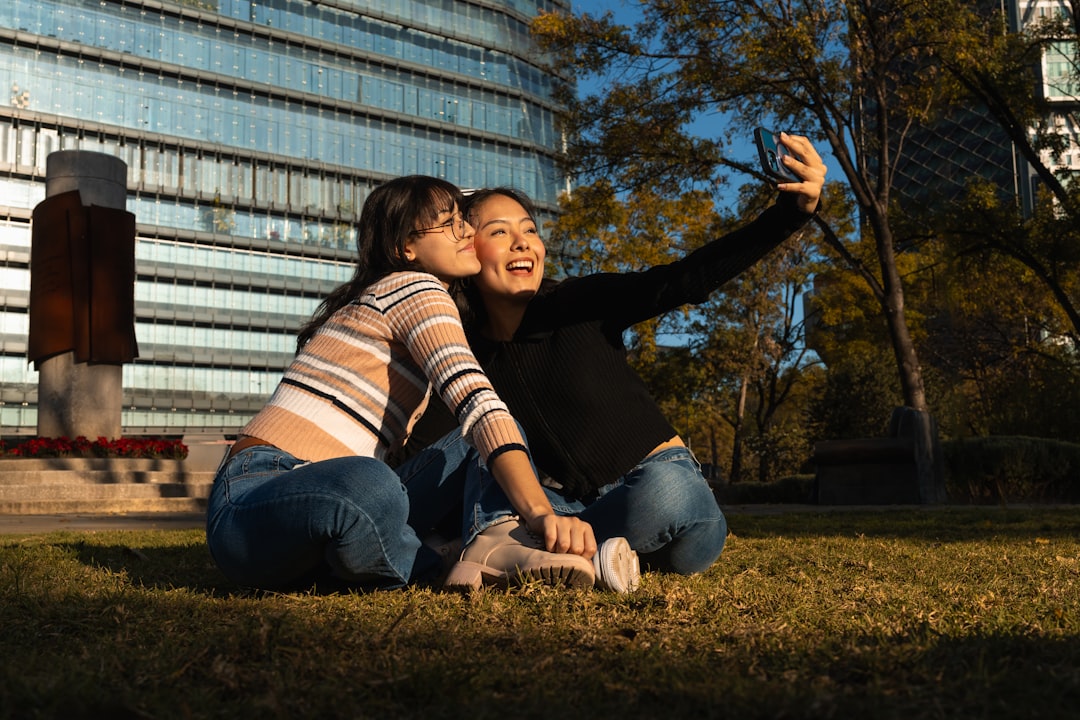
- Gesture controls – Lift your palm and the photo timer starts. No more rushing for group selfies!
- Edit before posting – Crop, brighten, or adjust colors right inside Google Photos before uploading to Besties.
Video Magic with Pixel
The Pixel isn’t just for photos. Its video recording features are next level. Great for dance challenges on Besties or capturing adventures with friends. Features like:
- 4K Video Quality: Your videos will look crisp and cinema-like
- Audio Focus: It picks up the voices you want to hear—perfect for those heartfelt messages to your BFFs
- Stabilization: Even if you’re running or skating, the video stays smooth
Fun Filters That Don’t Overdo It
Think of Pixel’s smart camera as a cool friend that knows when to chill. It enhances your photo without making you look like a cartoon. No more overdone filters or awkward skin smoothing.
Top Picks:
- Color Pop: Pops the color of you or your outfit, adding vibes
- Black and White Mood: For deeper stories or throwback feels
- Light Adjust: Saves those backlit snaps with natural lighting boosts
Using Google Photos Alongside Besties
Pixel phones back up all your Besties photos to Google Photos. That means:
- Never lose a memory – Stored safely in the cloud
- Create albums – Make folders for your different BFFs or trips
- Search by keyword – Type “beach” or “pizza” and boom, all your beach hangouts or slice sessions appear!
Bonus: Live Translate for Multi-Language Posts
Something super cool? If your besties speak different languages, Pixel can auto-translate texts on screen, even from handwritten notes or menus! Leave no friend out, no matter their language.
Conclusion: Pixel + Besties = Epic Combo
If you love capturing and sharing real-life bestie moments, using the Besties app on a Google Pixel is a total game changer. From Magic Eraser to Cinematic Video to Real Tone selfies, your memories look as awesome as they feel. It’s more than a phone and an app—it’s your creative partner in friendship.
So grab your Pixel, open Besties, and get sharing. The world (or at least your BFFs) is waiting to see your story unfold—in colors, laughs, and lots of love.
