In today’s fast-paced business space, the importance of a well-designed business card cannot be overstated. Despite the surge of digital communication, business cards remain a powerful physical tool in professional networking. Whether you’re a freelance designer or run a full-fledged print shop, having the right business card maker at your fingertips can greatly streamline your workflow, especially one that allows exporting in print-ready formats.
TL;DR
If you’re searching for the best business card makers that offer professional design flexibility along with robust export options suited for print shops, you’re in luck. This article highlights seven top-tier tools that combine creativity, ease-of-use, and production-ready outputs like PDF, PSD, and vector formats. From browser-based simplicity to full desktop design suites, these platforms cover every need. No matter your design expertise or print volume, there’s a perfect solution here for you.
1. Canva – User-Friendly with Print Export Ease
Canva is a web-based design platform loved by beginners and professionals alike. Known for its drag-and-drop interface and vast template library, Canva makes business card creation accessible to anyone. The platform’s popularity is due in part to its generous free plan and compatibility with various export formats, including print-ready PDFs with bleed and crop marks.
- Best for: Beginners and freelance designers
- Export formats: PDF (Print), JPG, PNG
- Notable features: Free high-quality templates, team collaboration, cloud storage
Note: Canva also offers direct printing services, but its ability to export professionally formatted files gives flexibility to print shops looking to handle jobs internally.

2. Adobe Illustrator – The Industry Standard
Adobe Illustrator is a vector graphic design powerhouse used widely in professional print environments. While it has a steeper learning curve, its precision and flexibility make it ideal for creating custom, scalable business card designs. Illustrator allows designers to export in multiple professional formats suitable for printing, including PDF/X-1a, EPS, and AI formats.
- Best for: Professional designers and print shops with in-house design teams
- Export formats: PDF, AI, EPS, SVG
- Notable features: CMYK support, precise alignment tools, extensive typography controls
Pro tip: Illustrator’s ability to configure bleed, margins, and layers ensures seamless transition from design to press.
3. Vistaprint Design Studio – Seamless Print Integration
Vistaprint offers more than just printing services—it also has a built-in online business card designer. While slightly limited in customization compared to dedicated design tools, it’s perfect for small print shops reselling or integrating Vistaprint’s backend. Users can download their final designs or directly place print orders, making it extremely fast and convenient.
- Best for: Resellers and small printing businesses
- Export formats: PDF (via download link or email)
- Notable features: Business card templates by industry, real-time previews, optional branding tools
Heads up: Files are optimized for Vistaprint specifications by default, so minor file adjustments may be needed for third-party printing.
4. Lucidpress (Marq) – Cloud-Based Design with Precision
Lucidpress—now rebranded as Marq—is a browser-based layout design tool tailored for marketing collateral. It enables collaborative design with stringent brand control, making it ideal for teams producing standardized business cards at scale. Its exporting capabilities are print-shop friendly, supporting professional PDF exports with customizable bleeds and color profiles.
- Best for: Corporations and in-house print teams
- Export formats: PDF (High-res, print-ready), INDD via IDML export
- Notable features: Brand consistency tools, real-time collaboration, cloud storage
Bonus: Lucidpress offers data automation for personalized card printing when handling batches for large businesses.
5. Jukebox Print Online Designer – Built for Print Accuracy
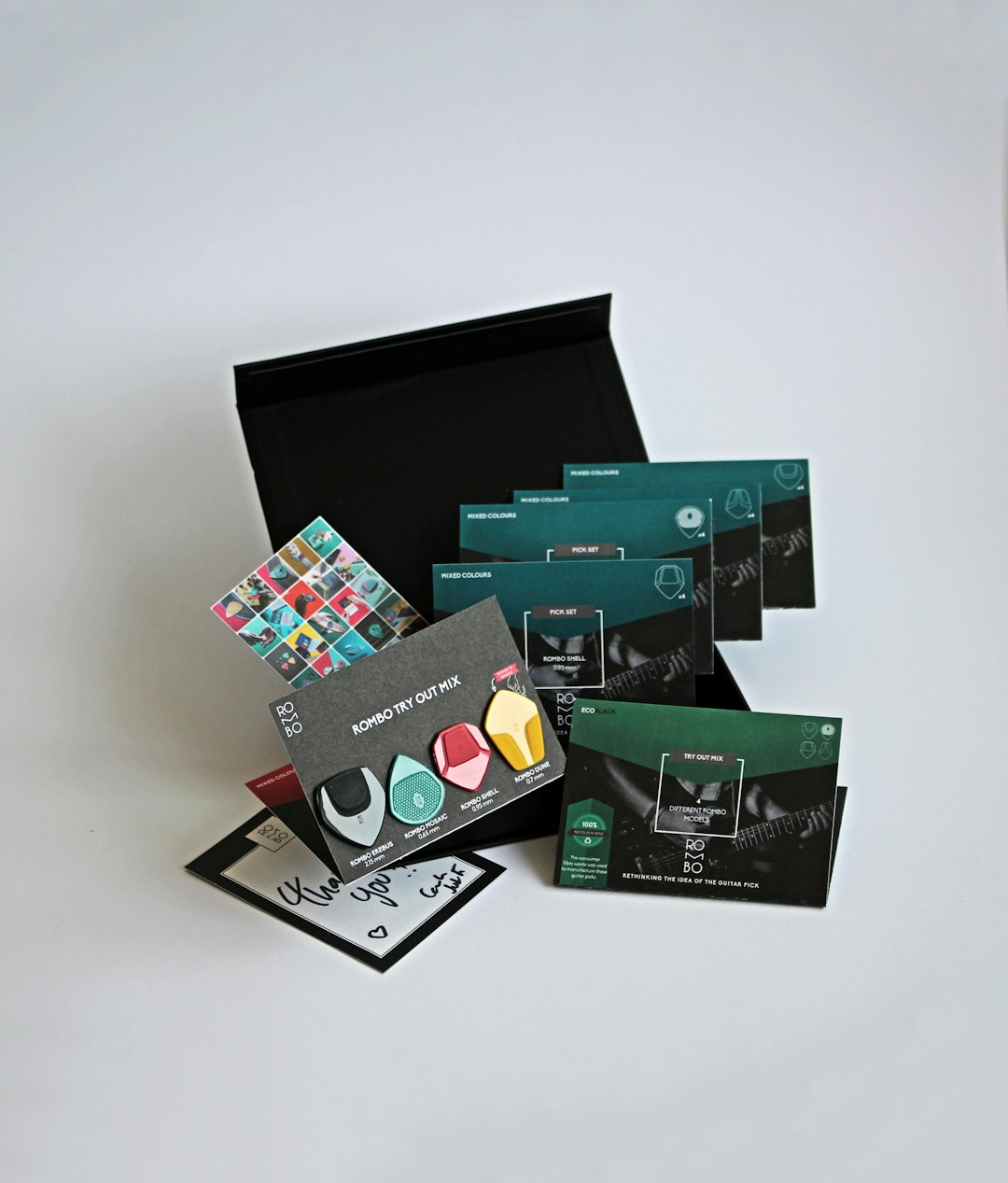
Jukebox Print is primarily a printing service, but its online business card maker is surprisingly versatile. It ensures exact print specifications are met, especially when users select from their premium finishes and unique card stocks. The web tool can export print-ready PDF files that align perfectly with Jukebox’s printer configurations or can be downloaded for local use.
- Best for: Designers requiring precision files for specialty printing
- Export formats: PDF (Print), PNG
- Notable features: Specialty card sizes, die-cut shapes, pre-built template guides
Important: Use the template files provided by Jukebox for best results when importing or exporting custom designs.
6. Affinity Designer – Affordable Adobe Alternative
Affinity Designer by Serif is a popular, budget-friendly design software that packs serious punch. With support for CMYK color, vector and raster editing, and meticulous layer control, it’s an excellent alternative to Adobe software—especially for businesses looking to avoid subscriptions. Files can be exported in a variety of print-shop formats, making it highly compatible with professional workflows.
- Best for: Budget-conscious professionals or small print shops
- Export formats: PDF/X, EPS, PSD, SVG
- Notable features: Non-destructive editing, 1-click print export, cross-platform availability (Mac, Windows, iPad)
Note: Affinity’s pricing is one-time only, making it a great long-term investment for growing shops.
7. Designhill Business Card Maker – Fast and Creative
Designhill offers an AI-assisted online business card generator with a rich set of customization tools. While geared more toward small businesses and freelancers, Designhill allows users to export high-resolution designs that follow industry print standards.
- Best for: Freelancers and startups trying to DIY their cards quickly
- Export formats: PDF (High-res), JPG
- Notable features: AI suggestions, logo creator integration, simple UI
Consider this: While not as flexible as Adobe or Affinity, it’s a compact solution for quick design outputs with decent formatting.
Final Thoughts
Choosing the right business card maker can mean the difference between a polished, print-ready design and a file that costs you hours in fixing bleed or resizing. Print shops and in-house designers should look for platforms that not only support CMYK and high-res exports, but also allow easy editing and collaboration.
Here’s a quick tip: For consistent and professional results, always export using the PDF/X-1a standard when available, and double-check bleed settings before finalizing your print file. Features like vector compatibility, font embedding, and color accuracy are non-negotiable in quality print production.
Whether you’re using a powerhouse like Illustrator or a web-based tool like Canva or Lucidpress, the ideal tool is one that aligns with your shop’s scale, budget, and workflow preferences. With the right business card maker, you’ll be delivering exceptional designs every time.
