Designing digital products is no longer just about creativity—it’s about precision, usability, and rapid collaboration. Today’s designers need tools that allow them to ideate quickly, test efficiently, and iterate faster than ever before. With so many platforms available, choosing the right wireframing and prototyping tools can be overwhelming, particularly when time and team dynamics are at stake.
TLDR: This article breaks down the top four tools that designers recommend for wireframing and prototyping: Figma, Adobe XD, Sketch, and Axure RP. Each tool offers a mix of functionality, collaboration, and flexibility for designing responsive and interactive prototypes. Whether you’re a solo freelancer or part of a massive UI/UX team, there’s an option that suits your workflow. Explore their strengths, weaknesses, and ideal user settings below to find your match.
1. Figma: Real-time Collaboration in the Cloud
Platform: Web-based, with desktop apps for Mac and Windows
Price: Free tier available; paid plans start at $12/editor/month
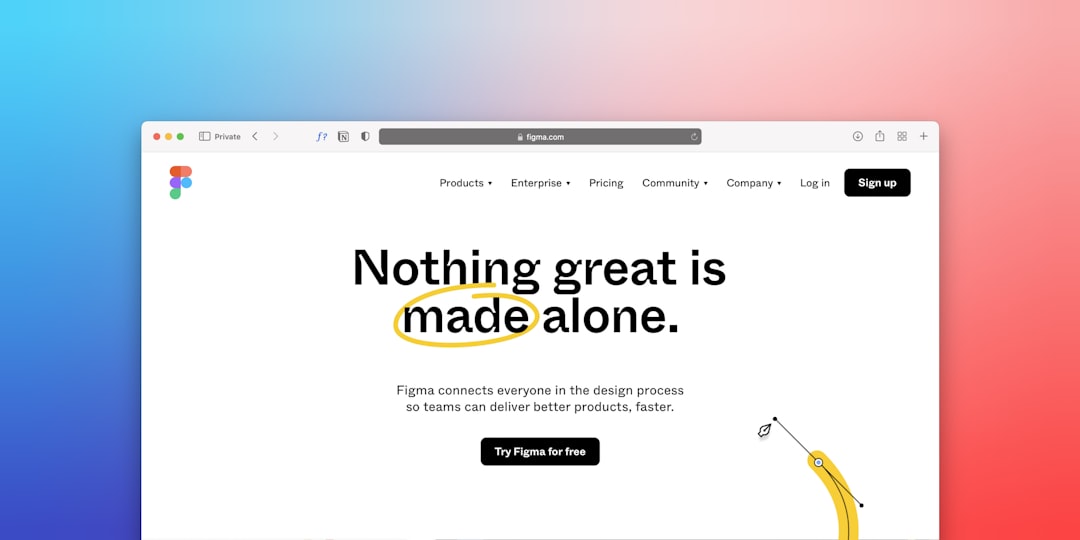
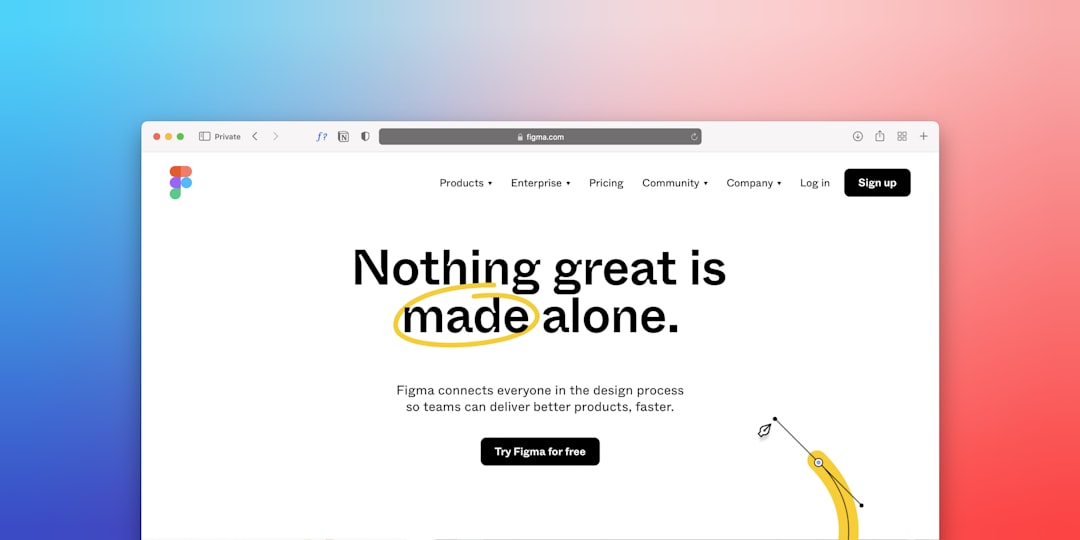
Figma has become the darling of the design world—and for good reason. It was one of the first tools to bring real-time, browser-based collaboration to the UX/UI community. Designers, developers, clients, and copywriters can all join a project simultaneously, edit elements, and leave feedback in real time. This feature makes Figma especially ideal for remote teams working across different time zones.
Why Designers Love Figma:
- True cloud-based experience allows effortless access from any device.
- Shared libraries and design systems for maintaining consistency across teams.
- Interactive prototyping and auto-layout make creating responsive designs simple.
- Community plugins and templates speed up workflows.
However, while Figma is quite powerful, it does necessitate a steady internet connection for optimal performance. For teams with limited network infrastructure, this could be a consideration.
2. Adobe XD: The Ecosystem Powerhouse
Platform: macOS, Windows
Price: Free starter plan; Premium version starts at $9.99/month
Adobe XD is Adobe’s foray into the wireframing and prototyping realm, and it’s been embraced by professionals who already rely on Adobe’s Creative Cloud suite. XD offers an intuitive interface and integrates beautifully with tools like Photoshop and Illustrator, making asset import and design transitions seamless.
Why Designers Use Adobe XD:
- Seamless integration with Adobe Creative Cloud applications.
- Responsive resizing and repeat grids to speed up layout creation.
- Voice prototyping—a unique feature useful for designing interfaces with audio feedback.
- Collaborative coediting and commenting for team workflows.
One critique of Adobe XD is that while collaboration has improved, it still lags behind Figma’s real-time sharing capabilities. Nonetheless, for designers working heavily with Adobe assets, XD provides a powerful and familiar environment.
3. Sketch: The Mac Pioneer of Modern UI Design
Platform: macOS only
Price: One-time purchase $99/year, with a 30-day free trial
Before Figma stole the spotlight, Sketch was the go-to platform for UI/UX designers around the world. It’s still beloved by many, especially solo designers and agencies developing assets for iOS apps. Sketch’s intuitive vector UI and lightweight performance make it a sleek option for wireframes and low-to-high-fidelity prototypes.
What Makes Sketch Stand Out:
- Clean interface with fast design tools and consistent updates.
- Massive plugin ecosystem that extends functionality.
- Symbol and shared style libraries to maintain design consistency.
- Powerful prototyping tools for linking screens and adding interactions.
That said, Sketch is only available on macOS, which restricts its utility in cross-platform or Windows-centric environments. Also, unlike Figma, Sketch relies more heavily on third-party apps for real-time team collaboration, though its cloud features are improving.
4. Axure RP: For Complex, High-Fidelity Prototyping
Platform: macOS and Windows
Price: Starts at $25/month for a Pro plan
Axure is not just another prototyping tool—it goes deeper into logic-based interaction and complex user flows. If your project involves conditional logic, dynamic content, and variable manipulation, then Axure might be the best fit. It shines where other tools fall short—creating rich prototypes that mimic the functionality of a coded app.
Why Axure Gains Respect from UX Veterans:
- Advanced interactions like form validation, conditional logic, and user variables.
- Masters and widgets to reuse design elements.
- Great for documenting user flows and detailed wireframes.
- Export to HTML allows sharing interactive prototypes without an external platform.
On the downside, Axure’s learning curve is steeper than that of other tools. It also lacks the fluid UI and collaboration ease found in Figma and Adobe XD. Nonetheless, for designing enterprise applications and showcasing functionality, it remains unmatched in its depth.
Image not found in postmetaWhich Tool Should You Choose?
The decision depends significantly on your specific needs, the kind of projects you handle, and whether you’re working independently or with a team. Here’s a quick breakdown to help:
- Use Figma if you want real-time online collaboration, need a cross-platform solution, or manage remote teams.
- Use Adobe XD if you’re invested in the Adobe cloud ecosystem and need simple, beautiful prototypes quickly.
- Use Sketch if you’re a Mac user focused on iOS app or web design and prefer a fast, focused native application.
- Use Axure RP if you’re working on technically complex products where behavior simulation and logic take center stage.
The Future of Design Tools
With design trends leaning more toward accessibility, responsiveness, and rapid iteration, prototyping tools are also evolving to meet these demands. Platforms like Figma continue pushing the boundaries of collaboration, while others focus on niche excellence.
Ultimately, it’s not just about picking the most popular tool—it’s about choosing the one with features that align with your workflow. In some cases, combining two tools (like Sketch for UI and Axure for prototyping) may offer the best results.
As technology progresses, we expect these tools will become even more integrated with development environments, bringing design and dev teams closer than ever.
Whether you’re building your first wireframe or leading a large UX team, the right tool can make or break your process. Choosing wisely ensures your product’s design life cycle is smarter, better organized, and far more efficient.
