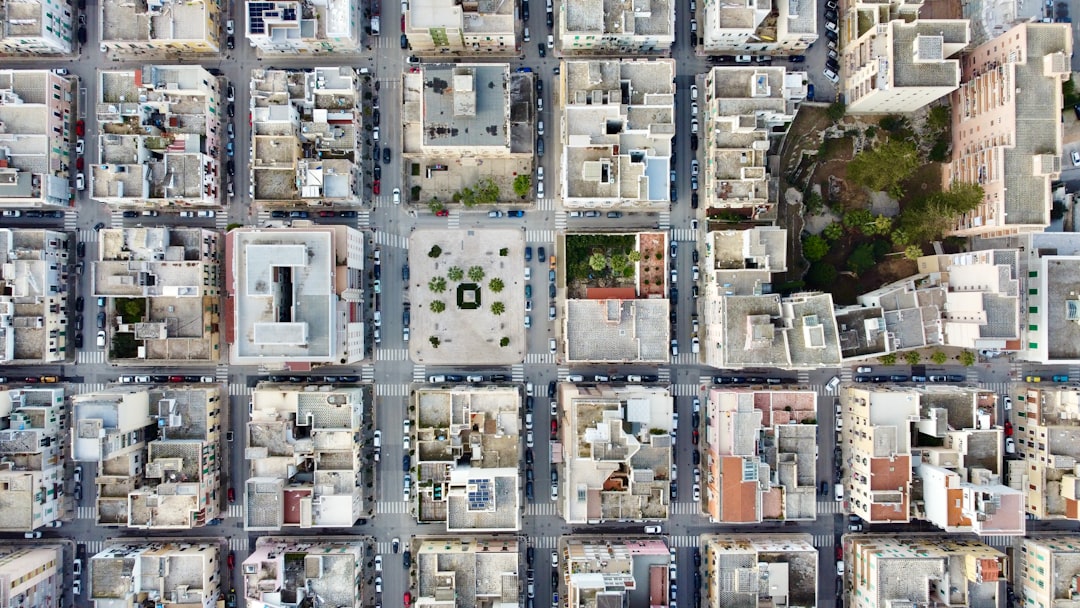
Flying a drone is fun. But smooth flying? That takes skill. And the right app. Modern drone control apps do more than just lift your drone into the air. They help you fly steady. They improve camera quality. They even fix shaky footage before you touch the edit button.
In this guide, we’ll explore five drone control apps that boost flight stability and camera performance. These apps are easy to use. They are powerful. And they can turn a beginner into a confident pilot.
TL;DR: The right drone app can make your flights smoother and your videos sharper. Apps like DJI Fly, Litchi, Autel Explorer, DroneDeploy, and Pix4Dcapture offer smart flight controls and camera tools. Some focus on cinematic shots. Others help with mapping and automation. Choose the one that matches your flying style and goals.
Why Drone Control Apps Matter
Your drone hardware is important. But software is the brain. A good app helps your drone:
- Stay stable in windy conditions
- Hold its position using GPS
- Smooth out movements
- Optimize camera settings
- Automate complex flight paths
Without the right app, even the best drone can feel clumsy. With the right one, your footage looks like it came from a movie set.
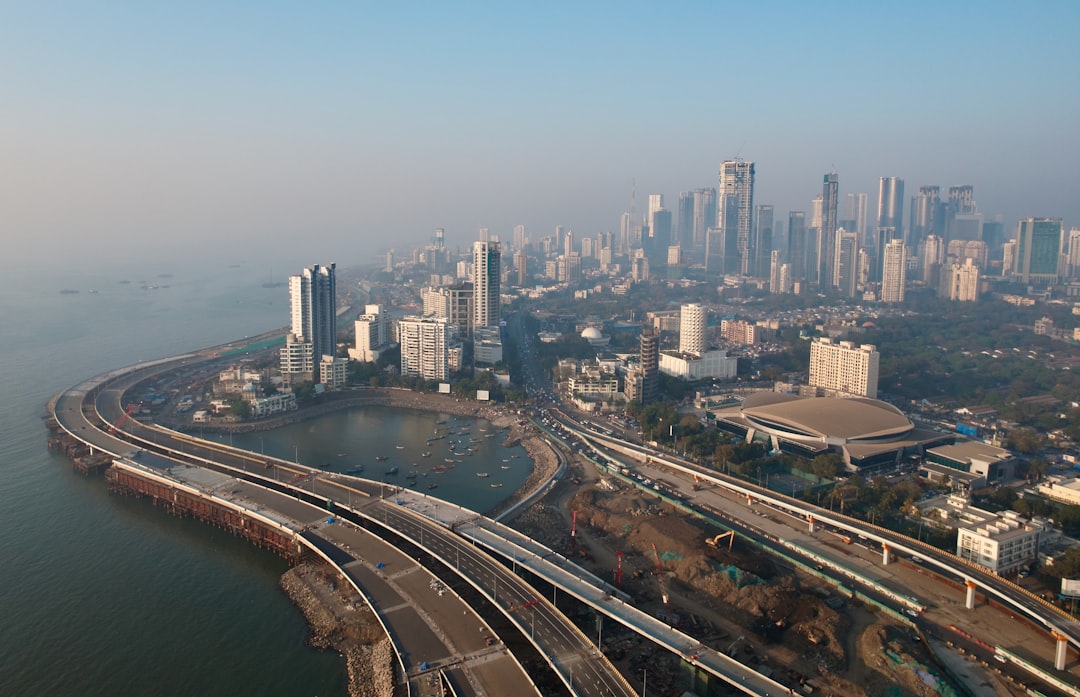
1. DJI Fly – Best for Smooth Beginner Flights
Simple. Clean. Very powerful.
DJI Fly is built for many DJI consumer drones. It is one of the easiest apps to use. The interface is clean. The controls are clear. Perfect for beginners.
Flight Stability Features
- Auto takeoff and landing
- GPS-based hover control
- Return-to-home function
- Obstacle sensing integration
The app constantly monitors your drone’s position. If wind pushes it, the system corrects automatically. That keeps your drone steady in the air.
Camera Performance Tools
- QuickShots (pre-programmed cinematic moves)
- One-tap HDR
- Live HD video feed
- Manual ISO and shutter control
You can fly and film at the same time. No confusion. No cluttered menus.
Best for: Beginners and casual content creators.
2. Litchi – Best for Advanced Flight Planning
Want more control? Litchi gives it to you.
Litchi is popular among serious drone pilots. It works with many DJI drones. It gives you advanced automation tools.
Flight Stability Features
- Waypoint missions
- Orbit mode
- Follow mode
- Virtual reality FPV mode
You can pre-plan your flight on a map. Set height. Set speed. Set direction. The drone follows your instructions perfectly.
This reduces manual error. Which means smoother flight paths.
Camera Performance Tools
- Precise gimbal angle control
- Focus and exposure locking
- Custom shot planning
You can plan a cinematic reveal before you even arrive on location.
Best for: Intermediate and advanced flyers who love planning detailed shots.
3. Autel Explorer – Best for Stability in Tough Conditions
Built for strong performance.
Autel Explorer is designed for Autel drones. It focuses heavily on flight stability and safety.
Flight Stability Features
- Dynamic track technology
- Strong wind resistance controls
- Real-time flight data tracking
- Adjustable responsiveness settings
You can adjust how sensitive the controls feel. Want slow and cinematic? Done. Want fast and sporty? Easy.
This flexibility helps avoid jerky movement.
Camera Performance Tools
- 4K and 8K support (depending on drone)
- Manual white balance control
- RAW photo capture
- Live exposure adjustments
It also gives you detailed telemetry data on screen. That helps you fine-tune shots while flying.
Best for: Pilots flying in windy or challenging environments.
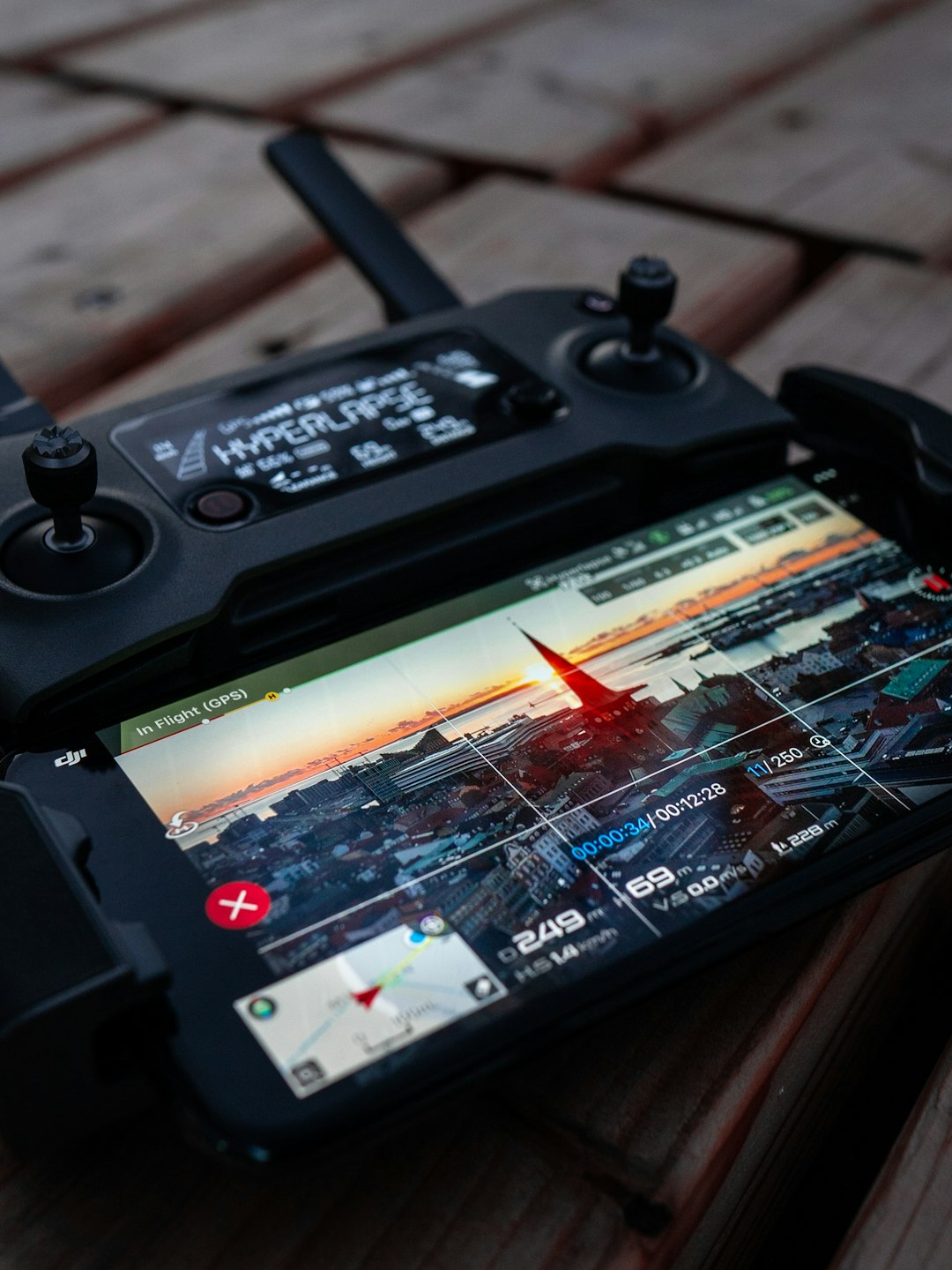
4. DroneDeploy – Best for Mapping and Precision Flights
This one is all about accuracy.
DroneDeploy is popular in agriculture, construction, and surveying. But creators use it too.
Flight Stability Features
- Automated grid flights
- Terrain awareness
- Consistent overlap control
The drone flies in a structured pattern. Every move is calculated. Stability comes from automation. Not human guesswork.
Camera Performance Tools
- Automated timed shooting
- Consistent altitude for uniform images
- High-precision image stitching
Your drone captures evenly spaced photos. Perfect for maps and 3D models.
Best for: Precision work and professional mapping.
5. Pix4Dcapture – Best for 3D Modeling and Surveying
Smart. Structured. Professional.
Pix4Dcapture focuses on structured flight missions. It works with many popular drone brands.
Flight Stability Features
- Automated circular flights
- Grid and double-grid missions
- Constant speed regulation
Automated flight paths reduce sudden movements. That means smoother data capture.
Camera Performance Tools
- Optimized image overlap
- Consistent shooting angles
- High-detail 3D capture settings
If your goal is accurate modeling, this app shines.
Best for: Surveyors and 3D mapping professionals.
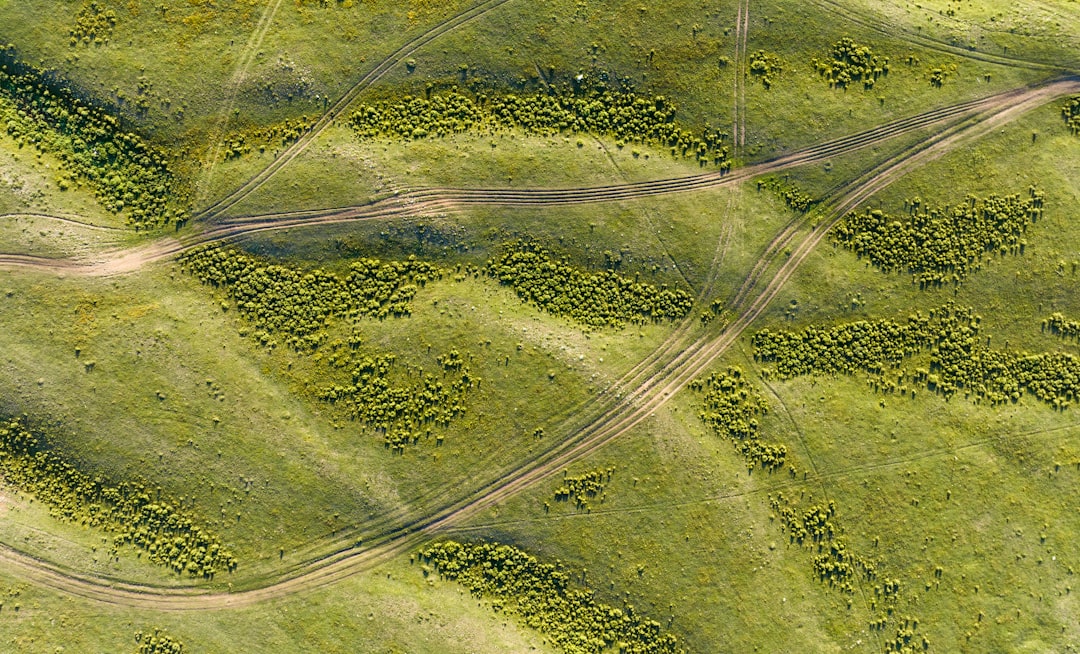
Comparison Chart
| App | Best For | Flight Stability Tools | Camera Features | Skill Level |
|---|---|---|---|---|
| DJI Fly | Beginners | GPS hover, auto return | QuickShots, HDR, manual controls | Beginner |
| Litchi | Cinematic planning | Waypoint missions, orbit mode | Gimbal precision, exposure lock | Intermediate |
| Autel Explorer | Windy conditions | Dynamic track, adjustable responsiveness | RAW capture, manual white balance | Intermediate |
| DroneDeploy | Mapping | Automated grid flight | Timed shooting, image stitching | Advanced |
| Pix4Dcapture | 3D modeling | Structured automated missions | Overlap optimization | Advanced |
How to Choose the Right App
Ask yourself a few simple questions:
- Do I want cinematic footage?
- Am I doing professional mapping?
- Do I need strong wind resistance tools?
- Am I a beginner?
If you are new, start simple. DJI Fly is perfect.
If you love planning dramatic reveals, try Litchi.
If you work in surveying, DroneDeploy or Pix4Dcapture may be better.
Match the app to your goal. Not just your drone.
Extra Tips for Better Stability and Camera Performance
Even the best app needs good habits.
- Calibrate your compass regularly.
- Check firmware updates before flying.
- Use slower stick movements for smoother footage.
- Adjust gimbal speed settings.
- Fly in lower wind conditions when possible.
Small tweaks make a big difference.
Final Thoughts
Drone flying is easier than ever. But great footage still takes planning. The right app gives you stability. It gives you precision. It gives you creative freedom.
Some apps focus on fun and simplicity. Others are built for technical missions. All five on this list can improve your results.
Smoother flights. Sharper images. Better videos.
That’s what the right drone control app can do.
Now charge your batteries. Update your app. And go fly.
