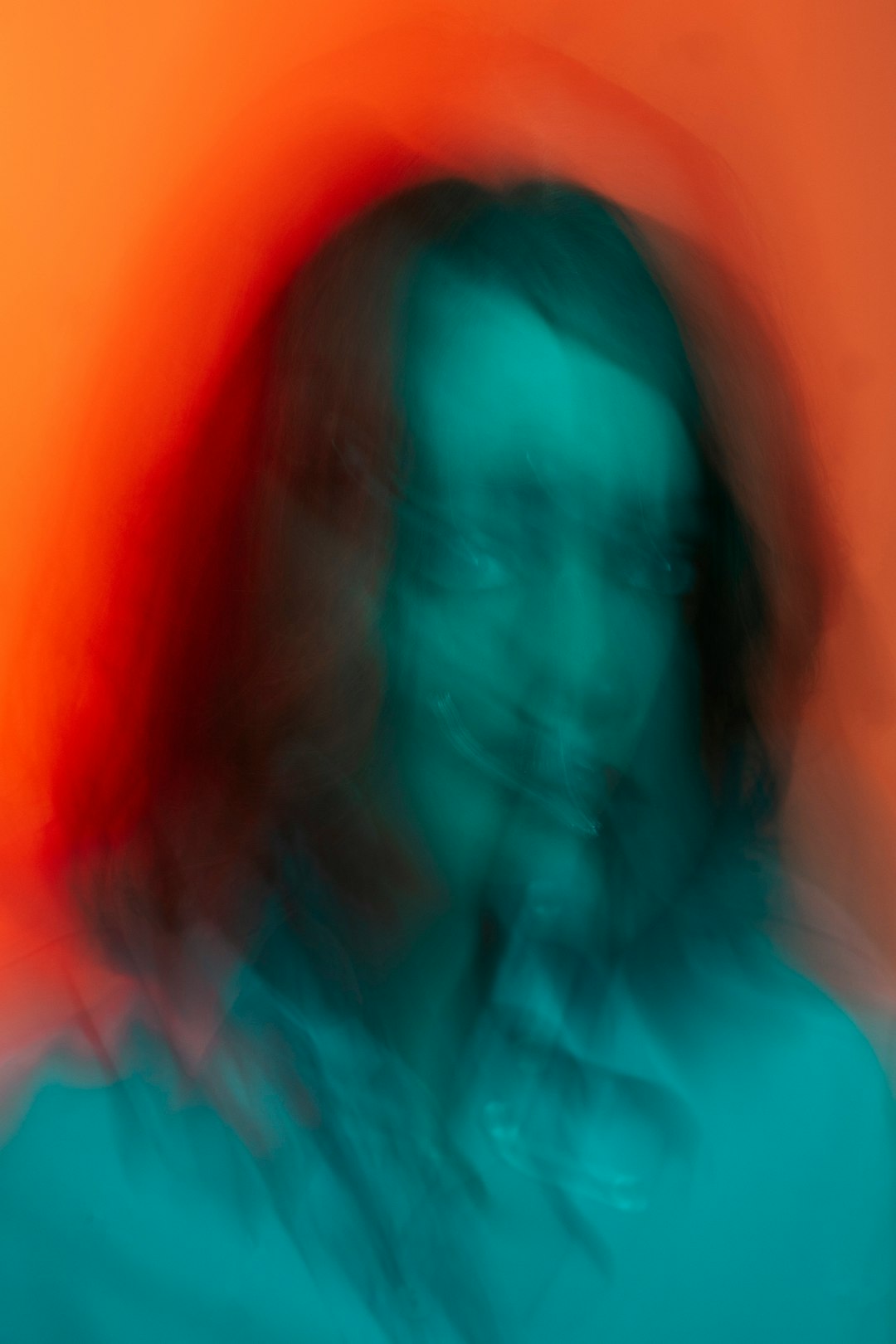
In recent developments surrounding Stable Diffusion, users have come face-to-face with an unusual glitch affectionately dubbed the “green tint” problem. Creators relying on the AI image generation model were perplexed when their portraits, particularly involving human skin, began showing unnatural shades of green. This unexpected behavior in an otherwise stable AI model sparked a round of community troubleshooting that eventually traced the problem back to a corrupted VAE (Variational AutoEncoder) file.
TL;DR
An unusual “green tint” began appearing in many Stable Diffusion image generations, especially on human skin tones. After extensive testing by users, the issue was traced to a corrupted VAE file that had been unintentionally distributed with some models. Replacing the corrupted VAE with a clean version restored natural coloration. The incident highlights the critical role that the VAE component plays in color rendering within diffusion models.
What is Stable Diffusion and Why VAEs Matter
Stable Diffusion is a deep learning image generation model known for converting text prompts into detailed and artistic images. It operates using several core components, including a U-Net, a CLIP-based text encoder, and the all-important Variational AutoEncoder (VAE). The VAE plays a key role in decoding the latent representation of an image back into pixel space. In simple terms, it’s responsible for bringing the abstract representation of an image into its final, visible form—including texture and color details.
When this component malfunctions or gets corrupted, the output can become distorted. And that’s exactly what happened during the appearance of the mysterious “green tint.”
Understanding the “Green Tint” Phenomenon
Across forums like Reddit, GitHub, and Discord, users observed an increasing number of portrait images that featured an odd tint—mostly greenish tones—particularly apparent in skin color. It wasn’t uniform, but it was common enough that pattern recognition quickly kicked in: something was clearly wrong.
Some examples of common symptoms included:
- Skin appearing pale green or radioactive in tone
- Eyes reflecting an unnatural sparkle or saturation
- Overall lack of warmth and nuance in skin tones

At first glance, it seemed like a model-level issue. Maybe a specific version—SD 1.5, SD 2.1, or even custom fine-tuned variants—had internal bugs. However, cross-comparisons between previously-created images and new generations using the same prompts, samplers, and steps revealed that the shift was new, and more importantly, it was happening across multiple model versions. That pointed the finger elsewhere.
The Community Detective Work
In one of the more shining examples of cooperative debugging, the Stable Diffusion community rallied to investigate. Enthusiasts and developers alike dug into the rendering pipelines, configuration files, and model structures. Eventually, many users came to the same startling realization: the problem started after a recent update or fresh install—right when they had downloaded a supposedly standard VAE file bundled with certain models or distributed via popular repositories.
Through rigorous A/B testing, users discovered that swapping out this VAE for a different known-good version entirely resolved the color issues. Skin tones returned to their natural warmth, and the green tinge disappeared.
The VAE File in Question
The corrupted file was traced to a specific named VAE file—often “vae-ft-mse-840000-ema-pruned.ckpt” or similar. While not intentionally harmful, this file was found to be damaged either during compression, upload, or file mirroring processes. In some cases, its byte size differed from officially packaged variants hosted on Hugging Face or official GitHub repositories.
What’s particularly fascinating about VAEs is how subtle yet crucial their influence is. Many users weren’t even aware of the VAE’s importance in visual quality, as its effects are more noticeable in color gradients and tone consistency rather than image structure or detail slicing.
How to Fix It: Replacing the Corrupted VAE
If you’re experiencing this green tint issue in your Stable Diffusion outputs, the solution is relatively simple. Here’s what you need to do:
- Download a verified, working VAE from a reputable source. One of the most widely accepted options is vae-ft-mse-840000-ema-pruned.ckpt hosted on the Hugging Face repository.
- Replace the current VAE file in your model’s directory (usually the “vae” or “models” folder, depending on your setup).
- Restart your WebUI (like AUTOMATIC1111 or ComfyUI) to ensure the new VAE is properly loaded.
- Run test generations with previously used prompts to compare outputs.
You should immediately notice the restoration of natural hues in skin and other tonal areas.

Lessons Learned
This issue, while frustrating for many, turned into a teachable moment for the AI art community. It emphasized the need to:
- Clarity in file sourcing: Always verify the source when downloading major AI components like models, VAEs, or embeddings.
- Checksums matter: Simple cross-checks on file size or checksum hashes can help spot corrupt files.
- VAE awareness: Understanding the role of the VAE is crucial for troubleshooting image fidelity issues.
For developers maintaining popular models, this was also an encouragement to bundle tested and verified VAEs or at least include clear instructions for compatible versions.
What About Automatic VAE Detection?
Some tools, particularly extended interfaces like AUTOMATIC1111, do offer auto-detection or integrated configuration settings for VAEs. However, these settings can sometimes point to the wrong file, or legacy code might default to loading an outdated VAE. It’s best to manually verify which VAE is being used via the settings or startup logs of your chosen UI.
In fact, many community tools are now beginning to show hash values or file sizes during load, helping users double-check valuations. Future-proofing such systems with integrity checks may help prevent issues like the green tint problem from recurring.
Final Thoughts
AI art is still evolving, and with it, the ecosystem of tools and technologies that support it. The “green tint” VAE debacle was less about a catastrophic failure and more about the subtle but serious importance of backend components. The community’s response not only fixed the problem but also spread awareness of how these systems work.
If you’re an artist or developer working with Stable Diffusion, it’s worth exploring your setup’s VAE component and understanding its contribution. A file that’s just a few megabytes can significantly sway the aesthetics of your generations.
So next time your digital portrait doesn’t look quite right, don’t just blame your prompt—check your VAE.
